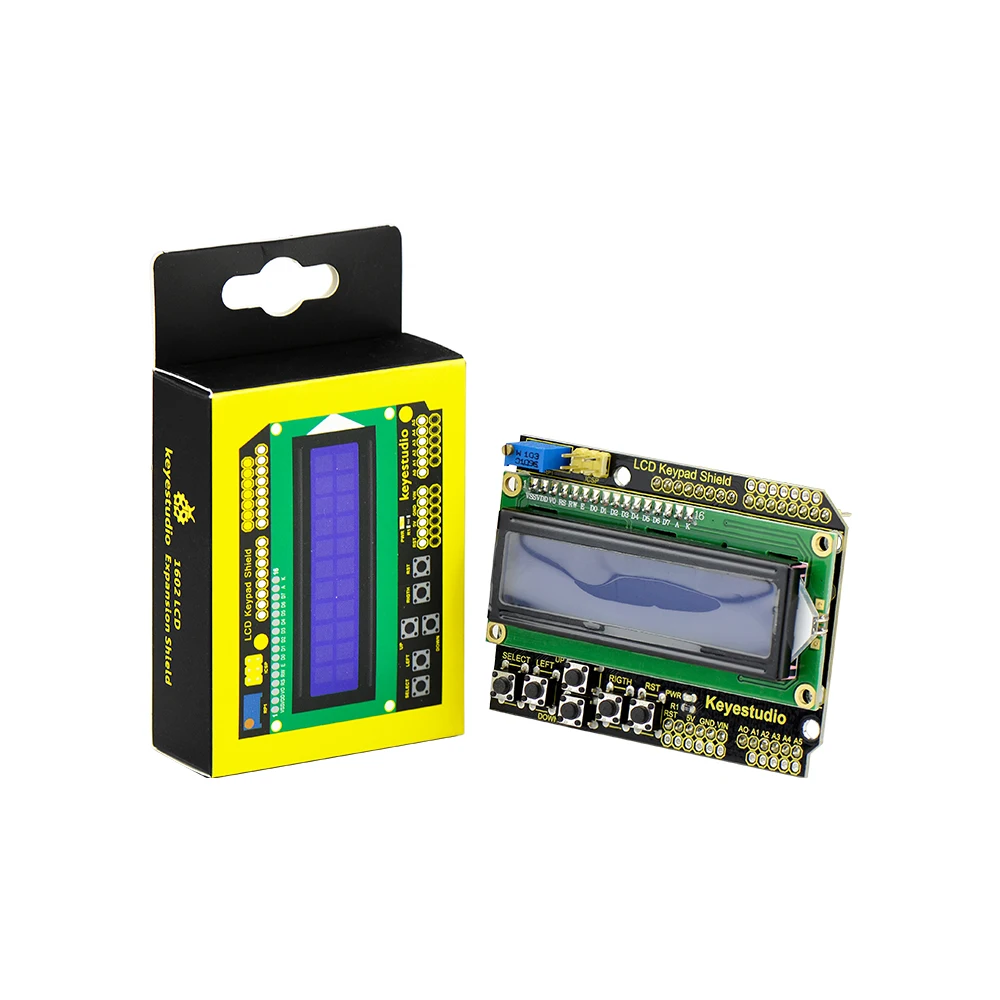
1602 LCD keypad shield for Arduino
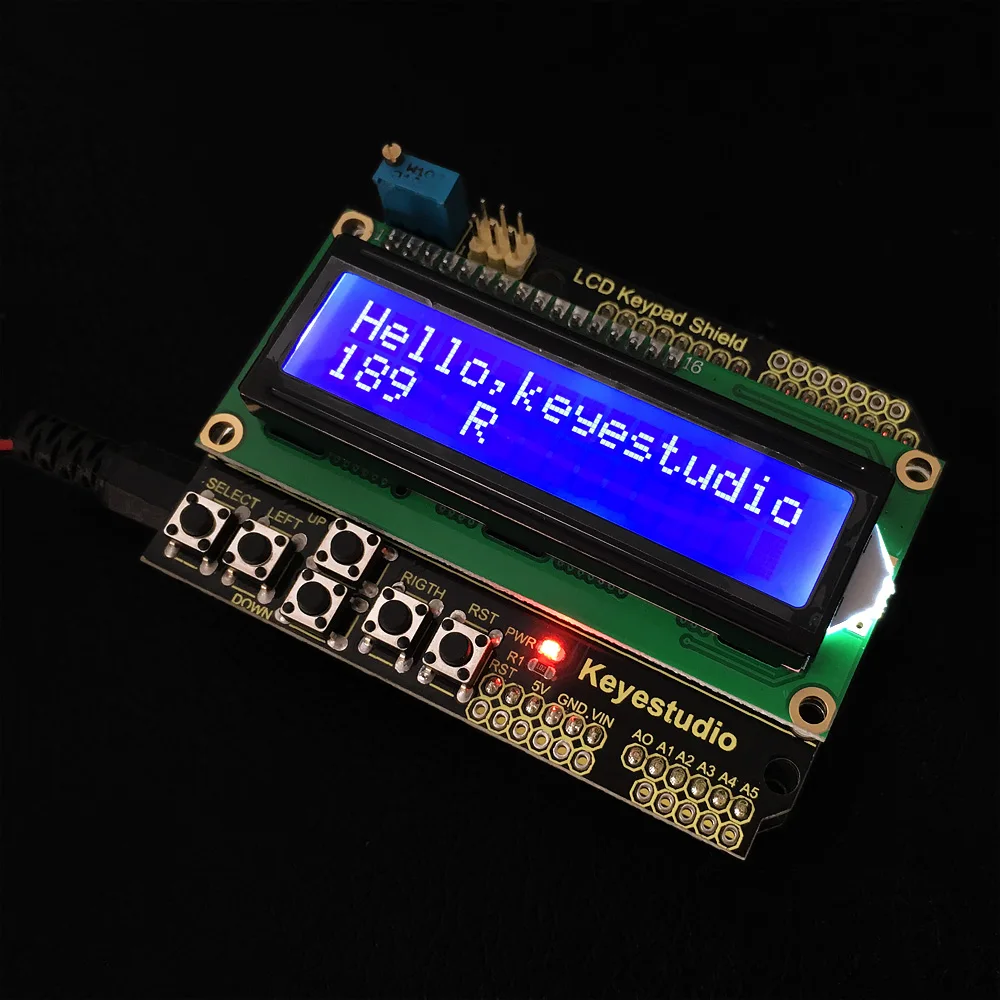
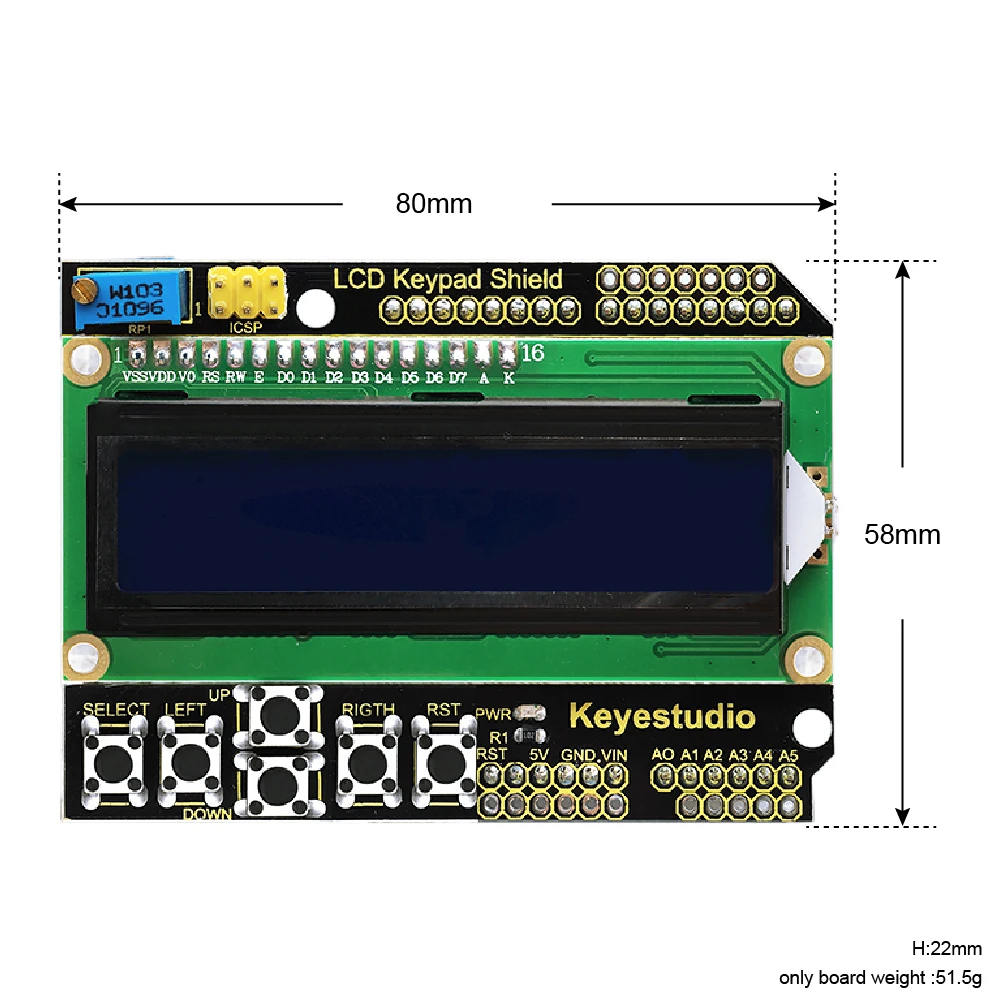
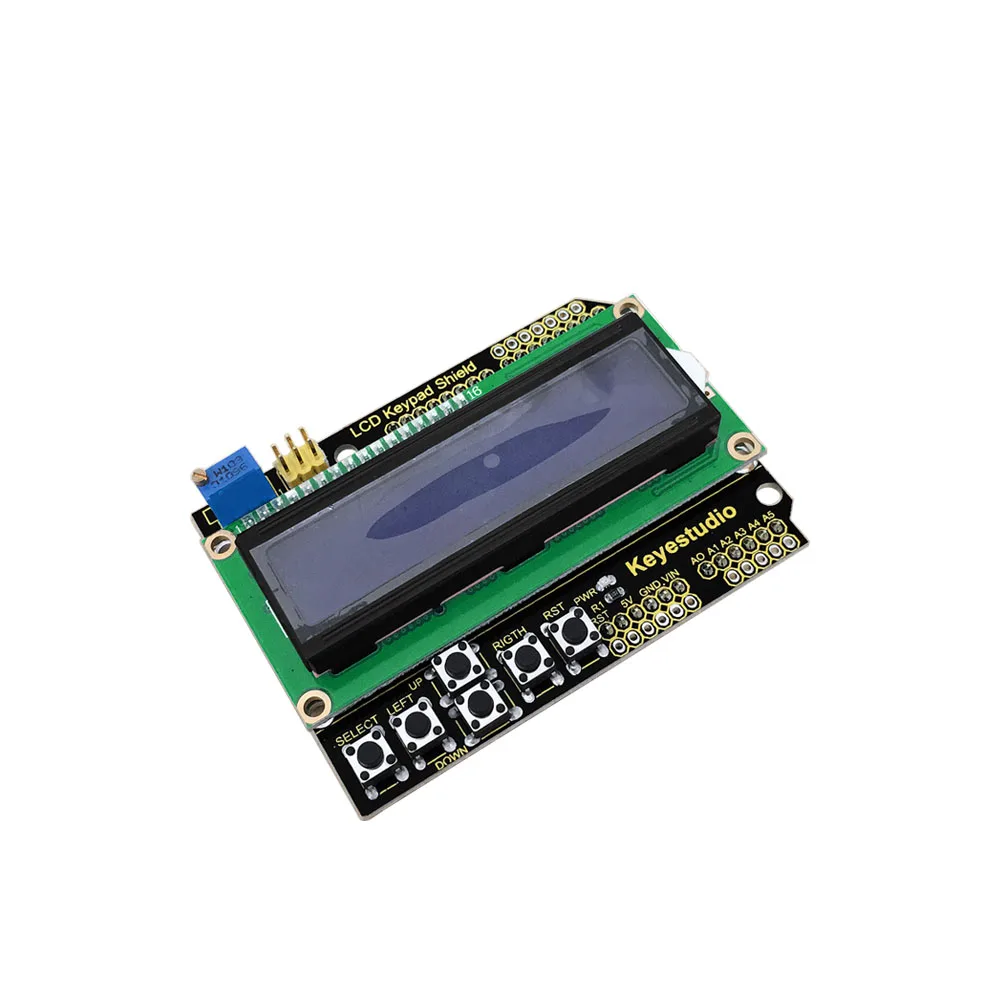
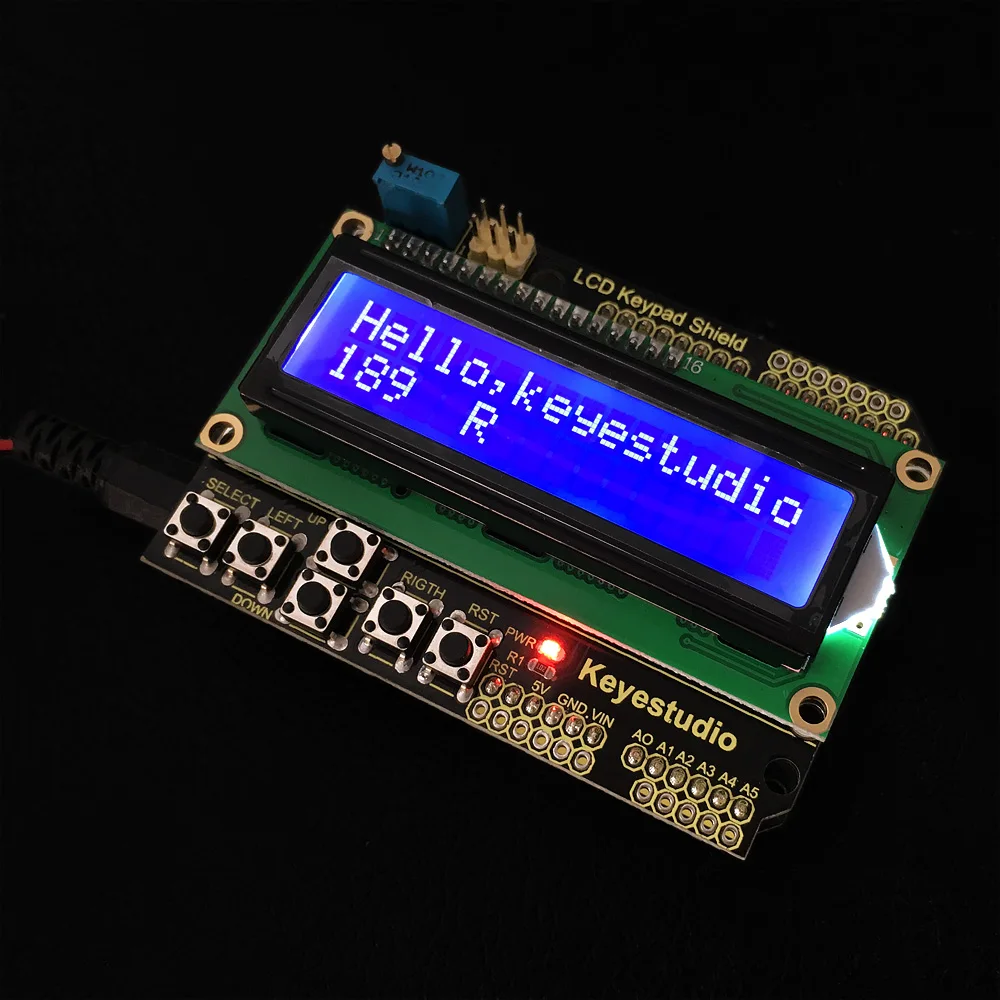
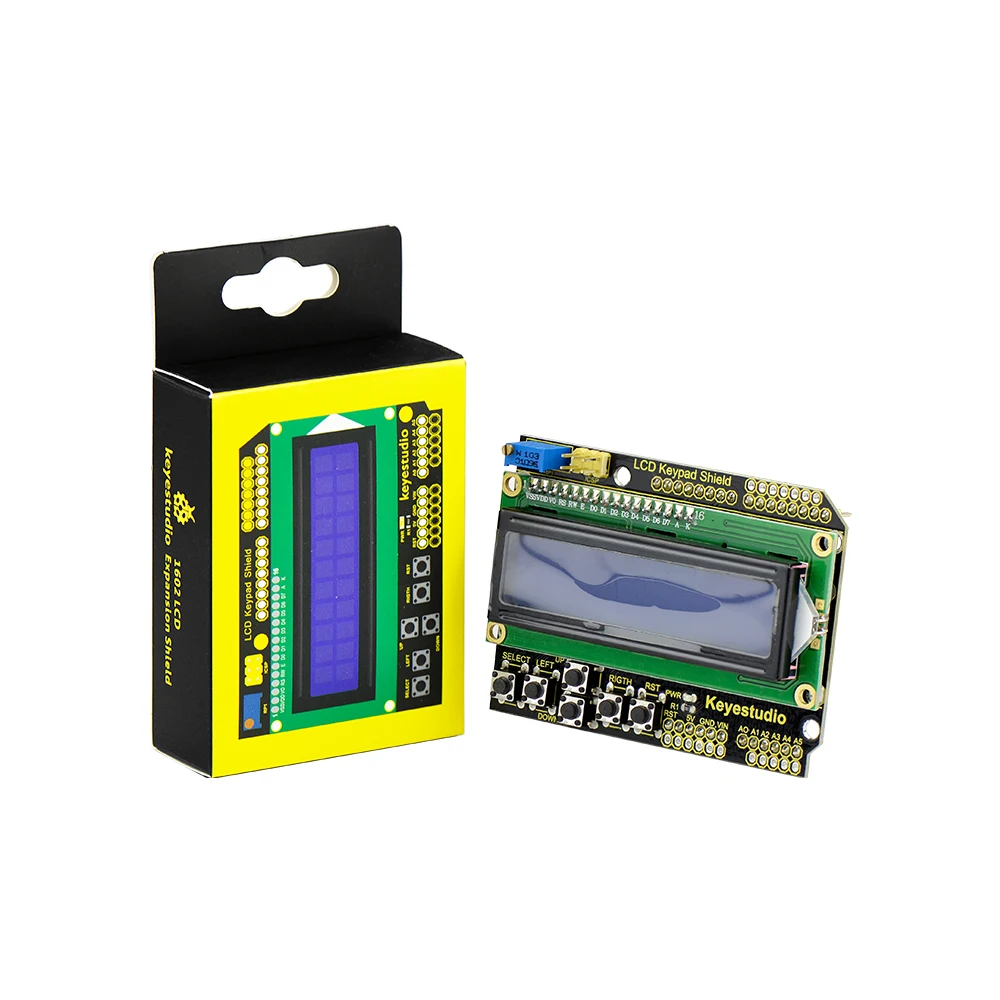
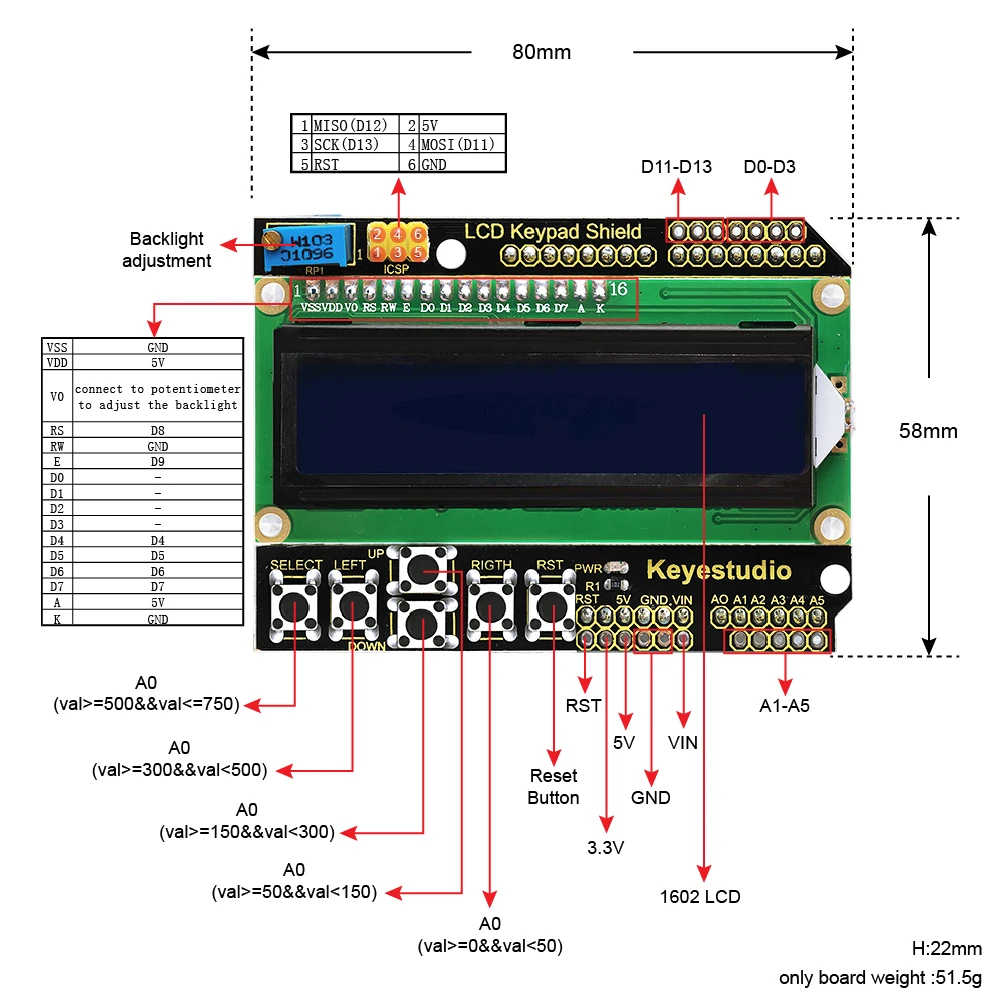
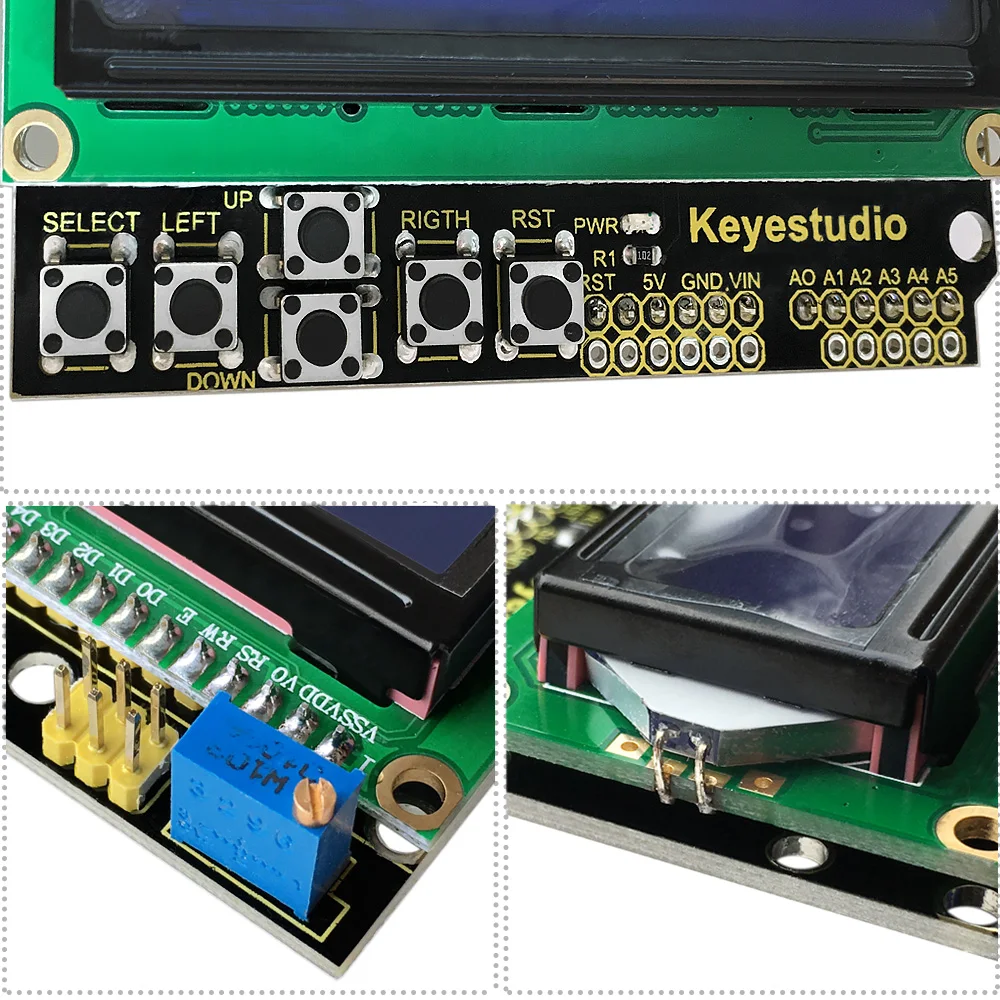
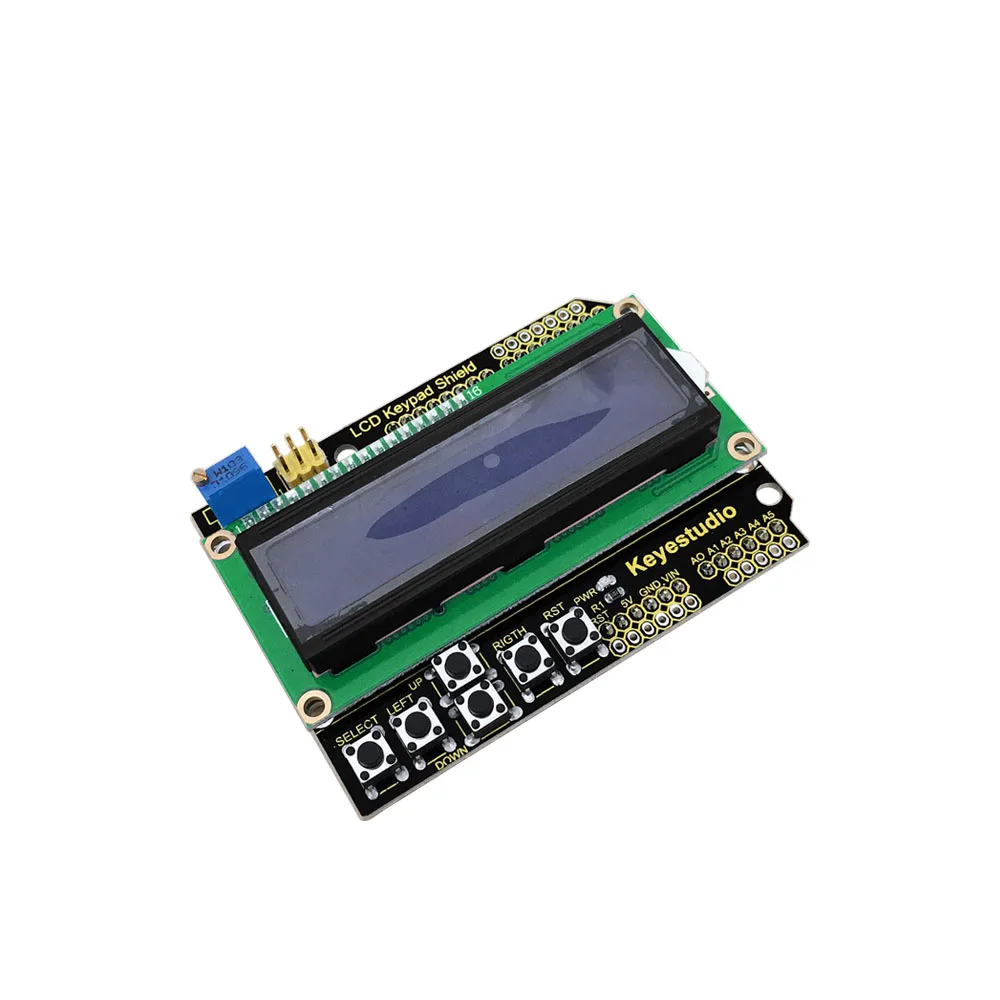
The 1602 LCD Keypad Shield is a multifunctional interface module designed for Arduino-based systems, combining a 16×2 character LCD display with a set of built-in control buttons in a single compact board.
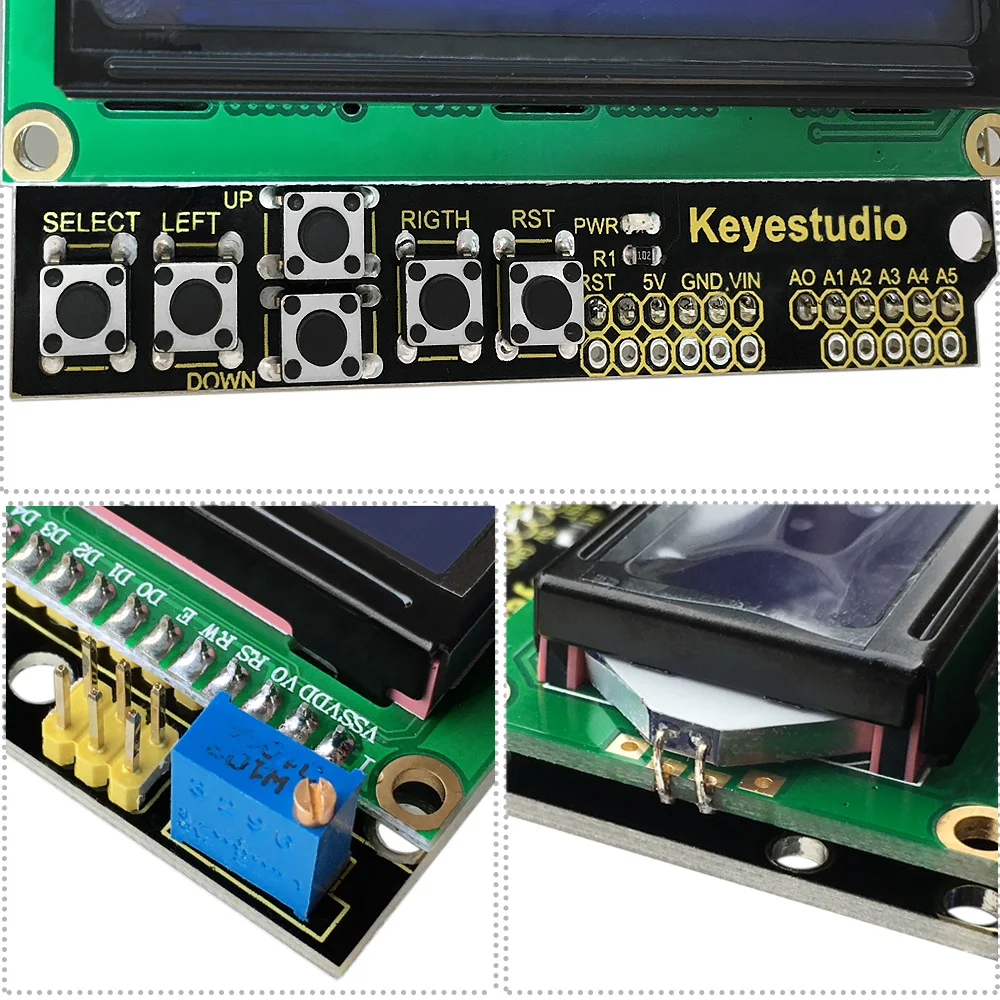
This shield allows users to display real-time data while also interacting with the system through onboard navigation buttons. As a result, it enables the development of menu-driven interfaces, monitoring systems, and user-controlled applications without requiring additional input or display modules.
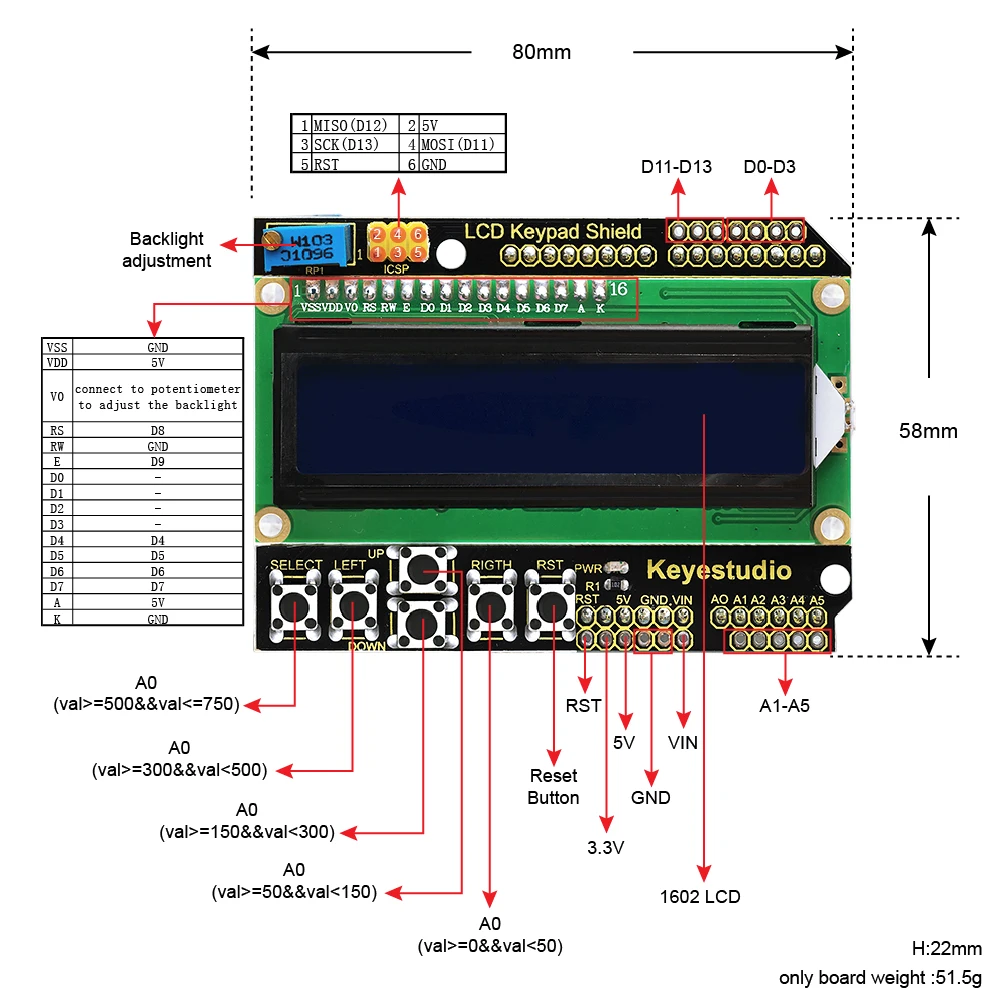
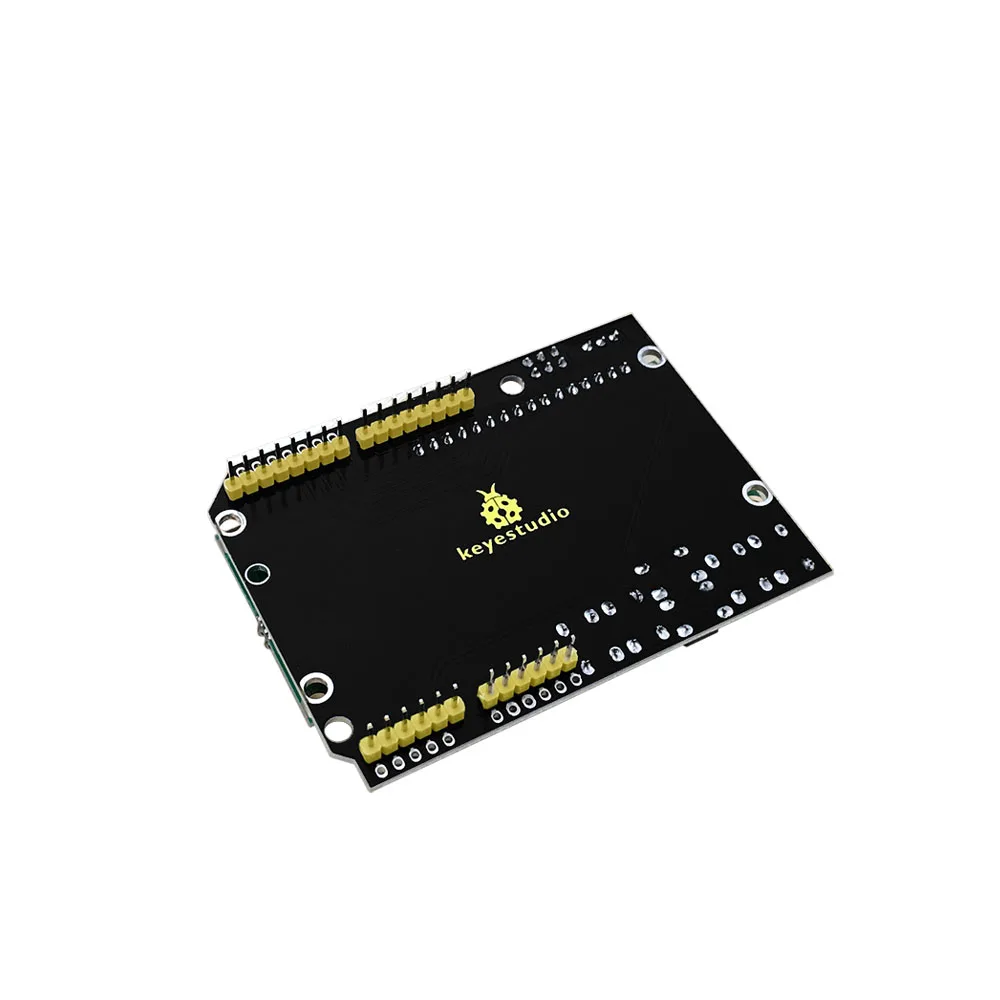
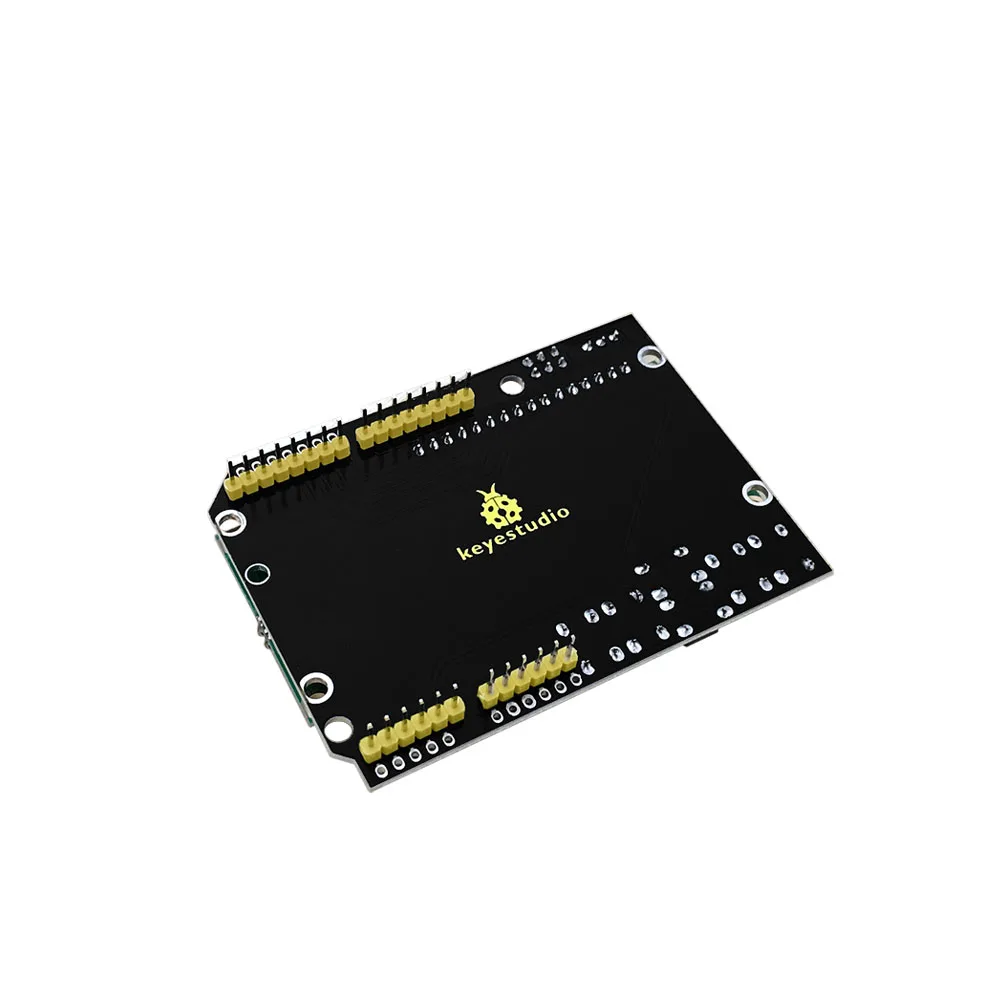
Additionally, the module includes an adjustable backlight potentiometer, which ensures clear visibility under different lighting conditions. Because it is designed as a shield, it can be easily mounted directly onto Arduino boards such as UNO and MEGA, simplifying wiring and setup.
🎓 Subjects Covered
1. Electronics
- LCD display interfacing
- Digital input systems (button control)
- Signal communication between modules
2. Programming
- Displaying text and data on LCD
- Menu navigation logic
- User interface development
3. Embedded Systems
- Human-machine interface (HMI) design
- Real-time data display
- System control through user input
4. System Design
- Interactive embedded applications
- Data visualization
- Interface-driven control systems
🧠 Activities That Can Be Performed
🟢 Beginner Level
- Display text messages on LCD
- Read button inputs
- Create simple menu navigation
🟡 Intermediate Level
- Display sensor data in real time
- Build user-controlled systems
- Create multi-option menu interfaces
🔴 Advanced Level
- Develop embedded user interfaces (UI systems)
- Build control panels for automation systems
- Integrate with sensors for interactive monitoring systems
🎯 Usefulness for Teachers
✔ Demonstrates Human-Machine Interaction
Helps explain how users interact with embedded systems
✔ Supports Practical Learning
Students can build systems with both input and output components
✔ Ideal for Interface Design Lessons
Useful for teaching:
- Menu systems
- Display logic
- User interaction
✔ Reduces Complexity
Combines multiple functions (display + input) into one module
🎓 Usefulness for Students
✔ Hands-On Interface Design
Students learn how to build interactive systems
✔ Improves Programming Skills
Focus on logic, menus, and real-time feedback
✔ Real Application Experience
Used in:
- Control panels
- Monitoring systems
- Embedded dashboards
✔ Encourages System Thinking
Students understand full system flow (input → processing → output)
⚠️ Objective Note
- Limited display capacity (16×2 characters only)
- Buttons share analog input (requires understanding mapping)
- Not suitable for complex graphical interfaces
- Best used for simple UI systems
- Requires programming for full functionality
🔑 SEO Optimization
Focus Keyphrase
1602 LCD keypad shield for Arduino
Technical Details
1.LCD size: 20.5mm * 41mm
2.Display capacity: 16*2 character
3.White texts on blue background
4.Comes with a potentiometer to adjust the backlight
5.Chip working voltage: 4.5-5.5V
6.Working current: 2.0 mA (5.0V)
7.Optimum working voltage: 5.0V
8.Character size: 2.95*4.35 (W*H) mm
9.Dimensions: 80mm *58mm*22mm
10.Weight: 51.5g
Online tutorial link: