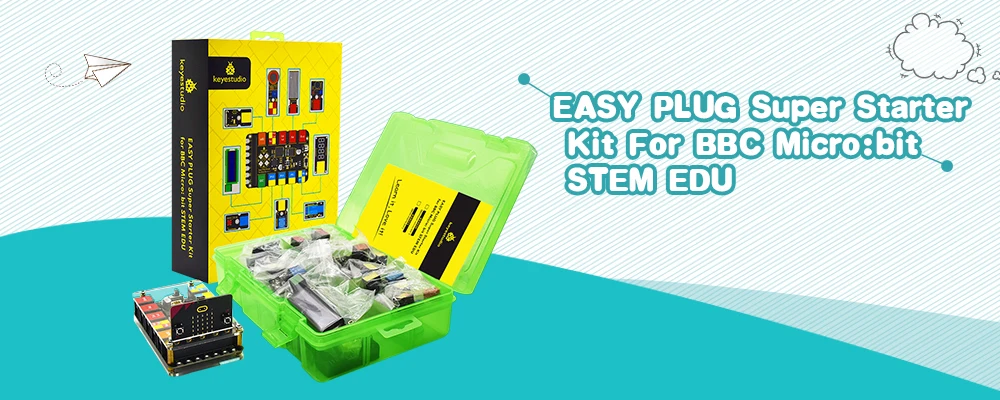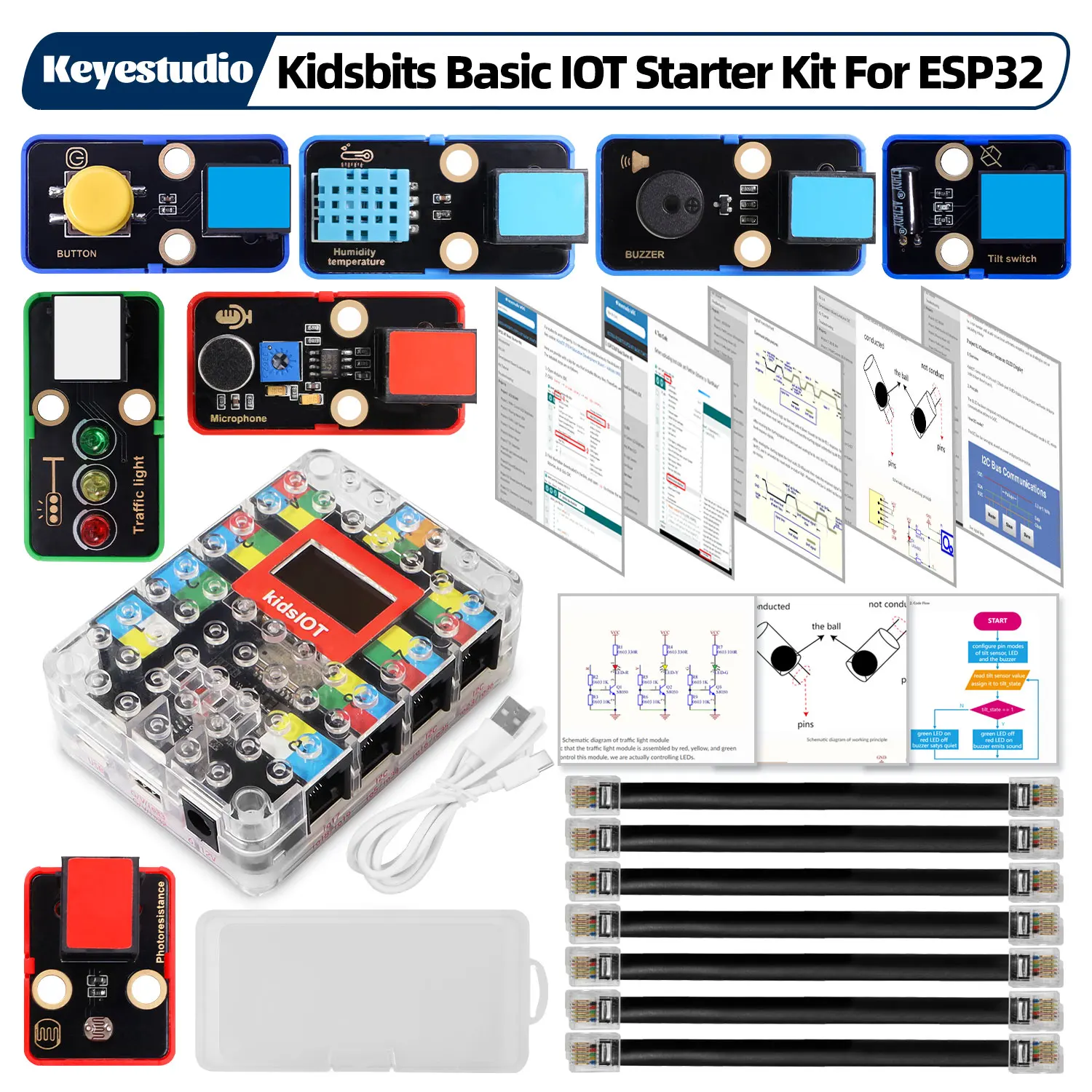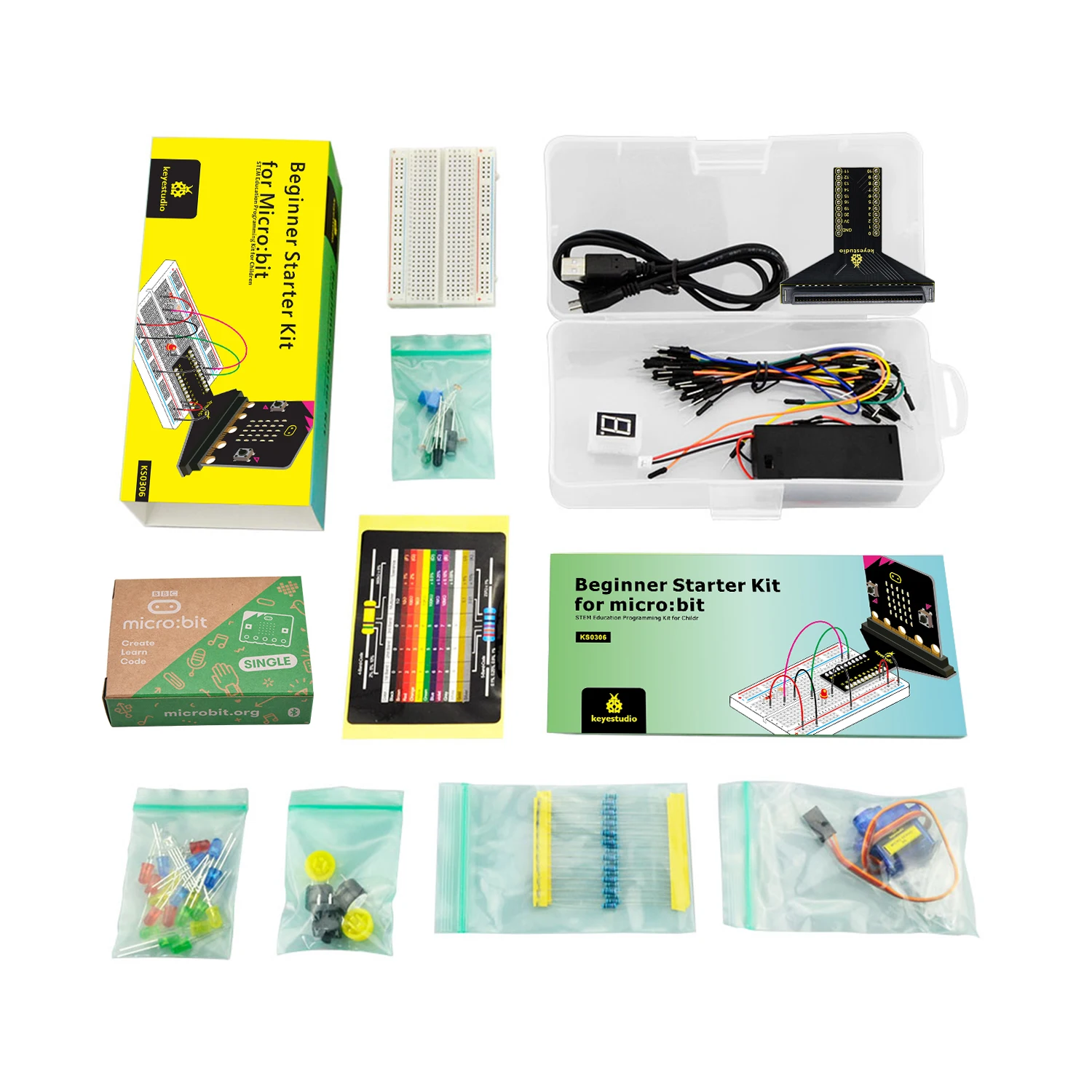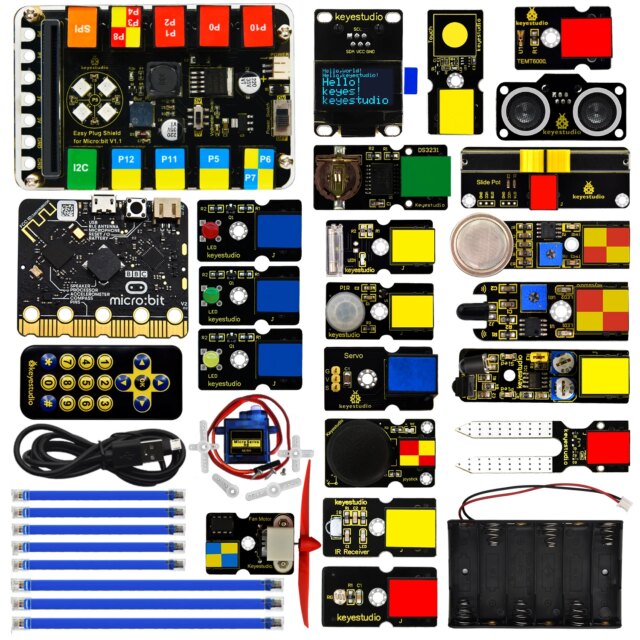
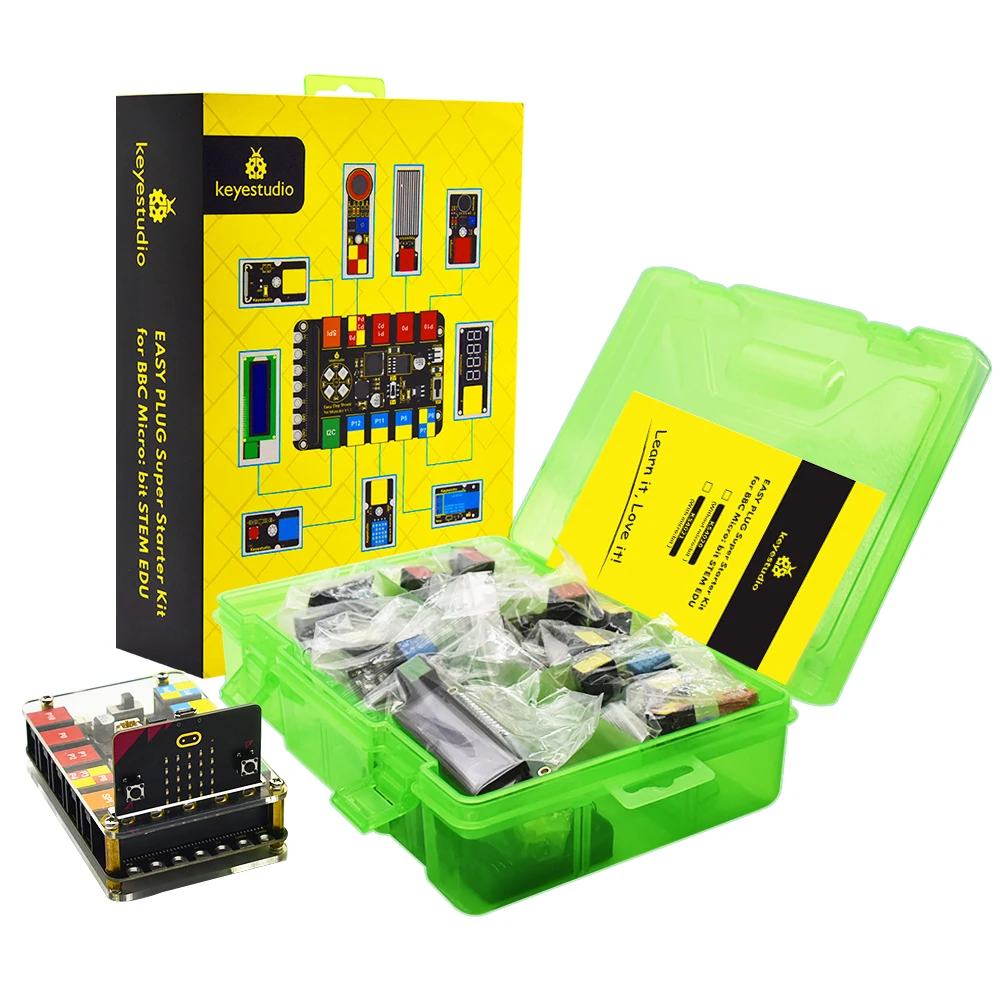
Microbit STEM kit
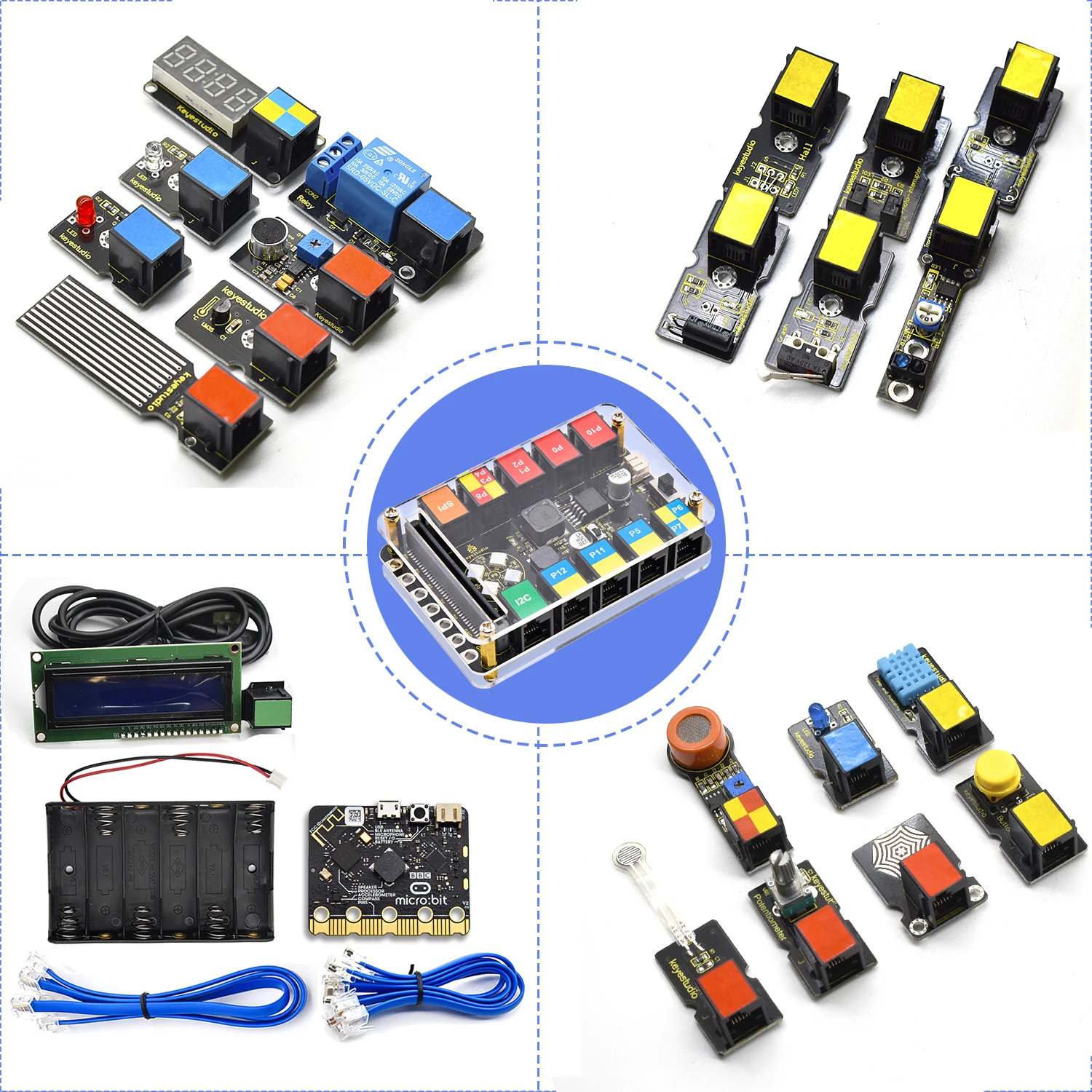
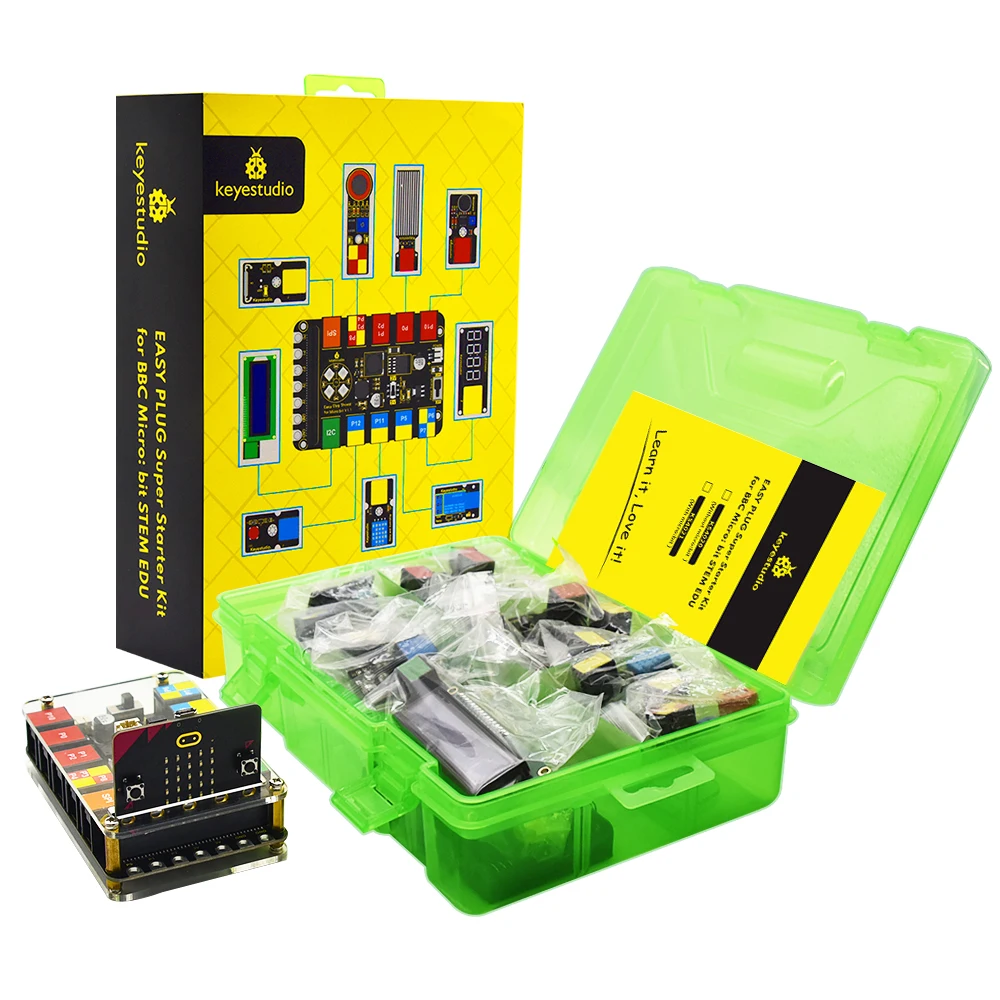
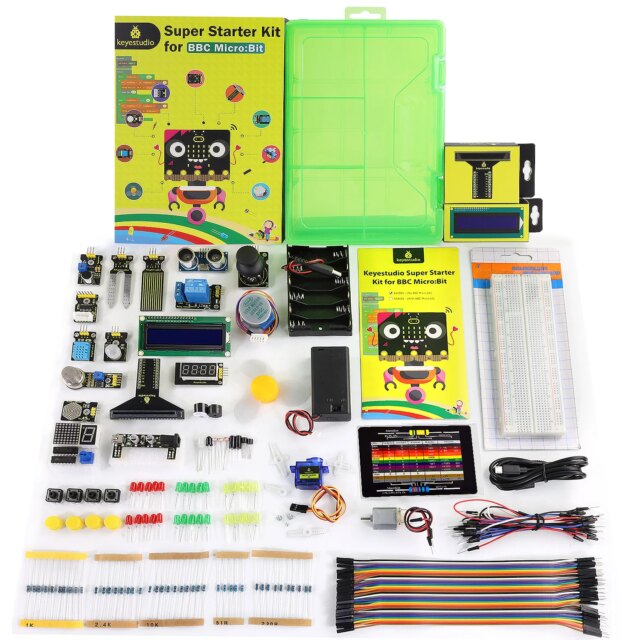
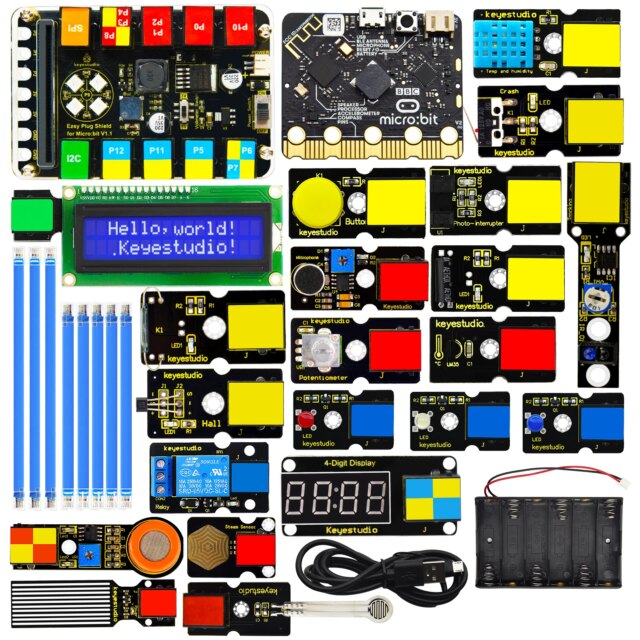
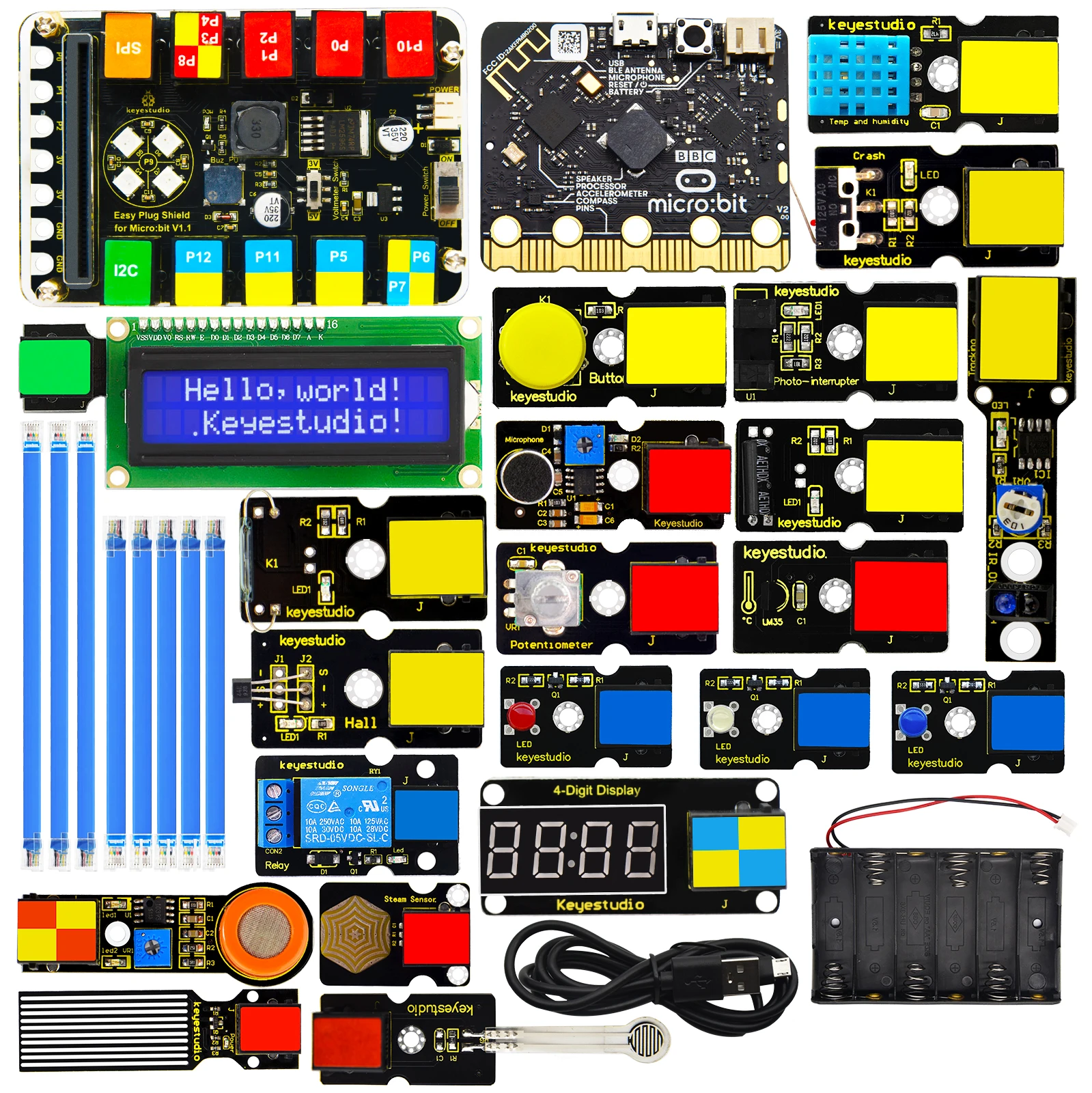
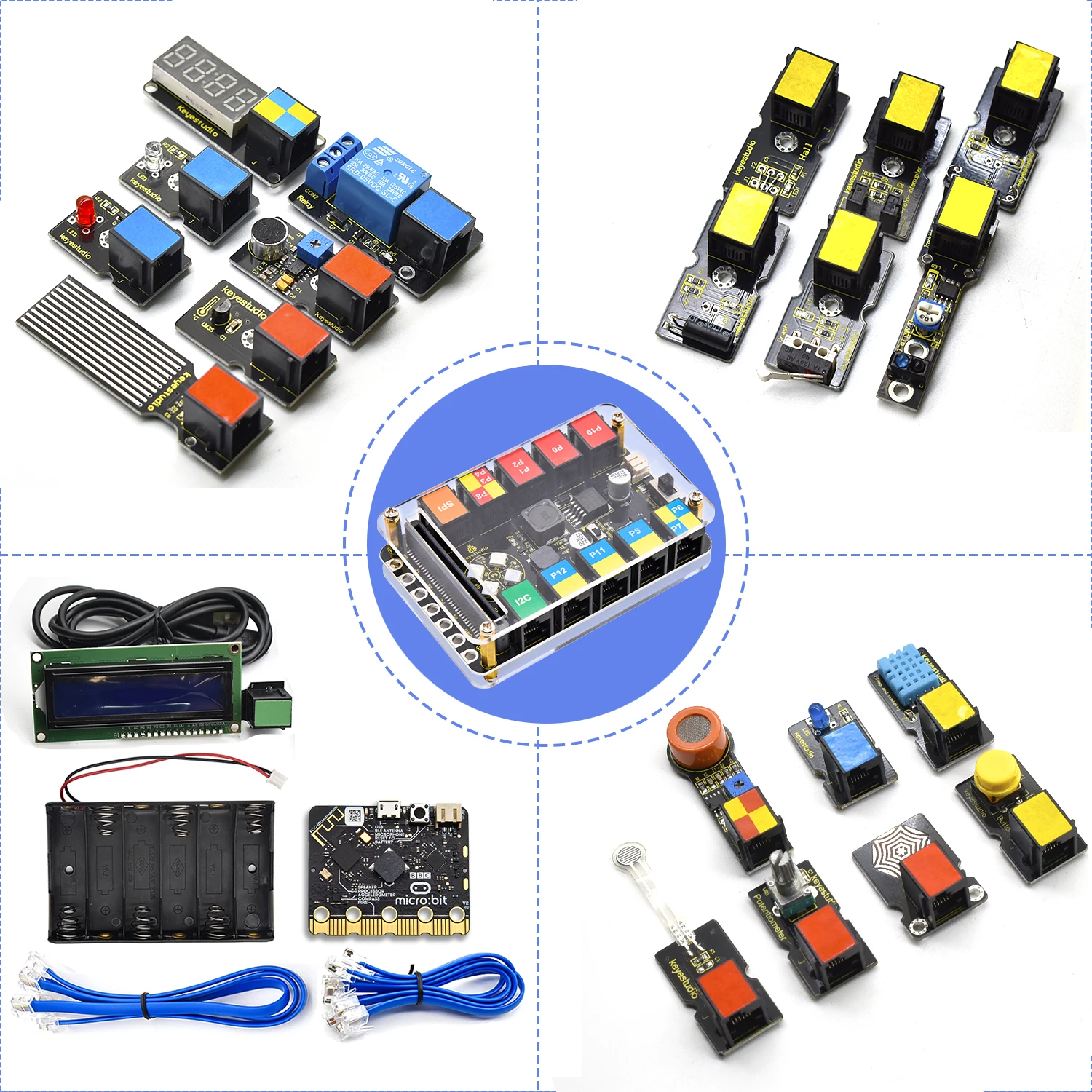
Designed for hands-on learning, this microbit STEM kit helps learners explore coding, electronics, and sensor-based projects through a clear plug-and-play system. Moreover, the EASY PLUG design reduces wiring errors because students connect modules with RJ11 cables instead of complex jumper wires.
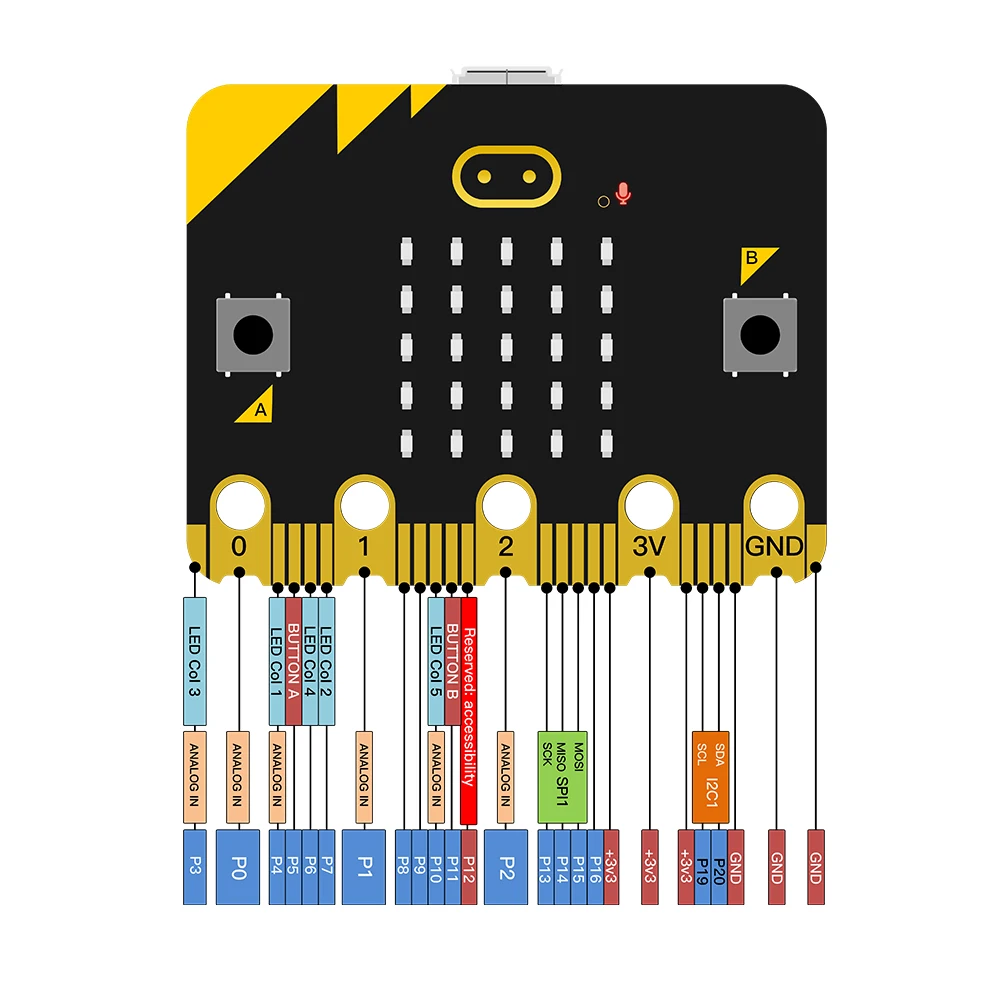
Built around BBC micro:bit V2 learning, the kit supports visual programming with MakeCode, while it also gives advanced learners a path toward JavaScript and Python concepts. Additionally, students can test real inputs such as sound, pressure, temperature, humidity, water level, light interruption, magnetic fields, and button control.
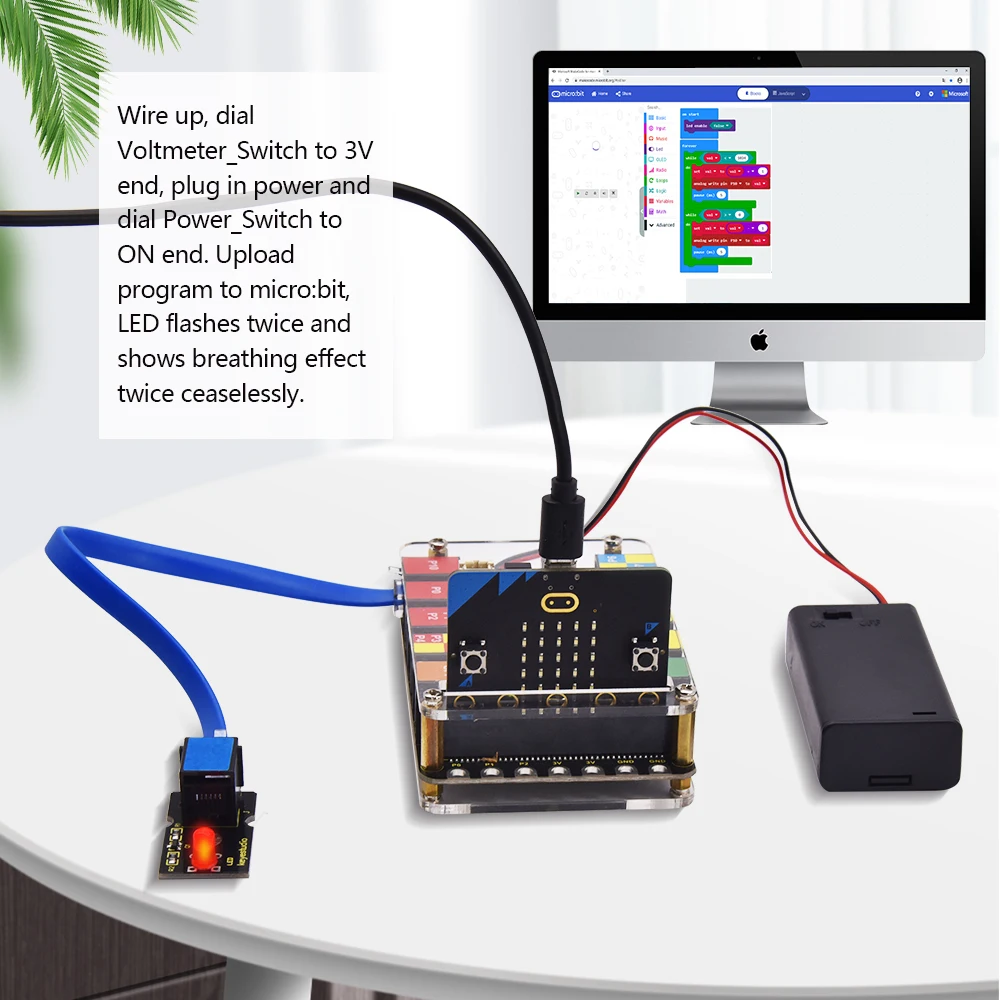
Through practical experimentation, learners can build projects that connect software instructions with physical results. For example, a program can read a sensor value, process the data, and then activate an LED, buzzer, relay, LCD, or digital display.
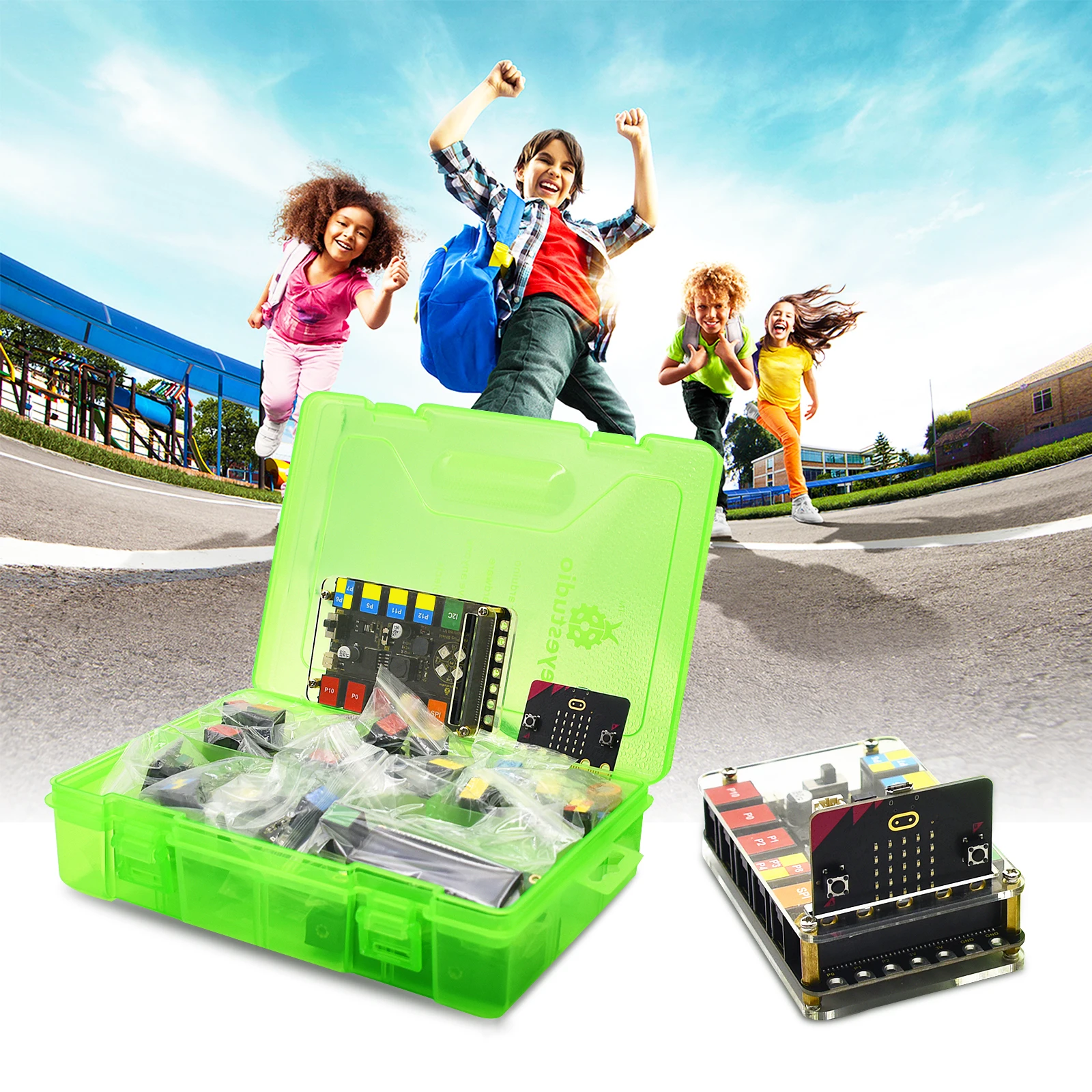
Because the kit includes many modules, teachers can organize lessons from beginner activities to more advanced STEM challenges. As a result, classrooms can cover programming logic, measurement, environmental science, electronics, data response, and problem-solving in one structured learning set.
Scientific-Style Specifications
| Specification | Details |
|---|---|
| Product type | Educational electronics and coding starter kit |
| Main platform | BBC micro:bit V2 compatible learning system |
| Programming support | MakeCode block coding, with pathways toward JavaScript and Python |
| Connection method | EASY PLUG RJ11 module connection |
| Processor reference | micro:bit V2 uses Nordic nRF52833 application processor |
| Core learning method | Sensor input, programmed logic, and electronic output |
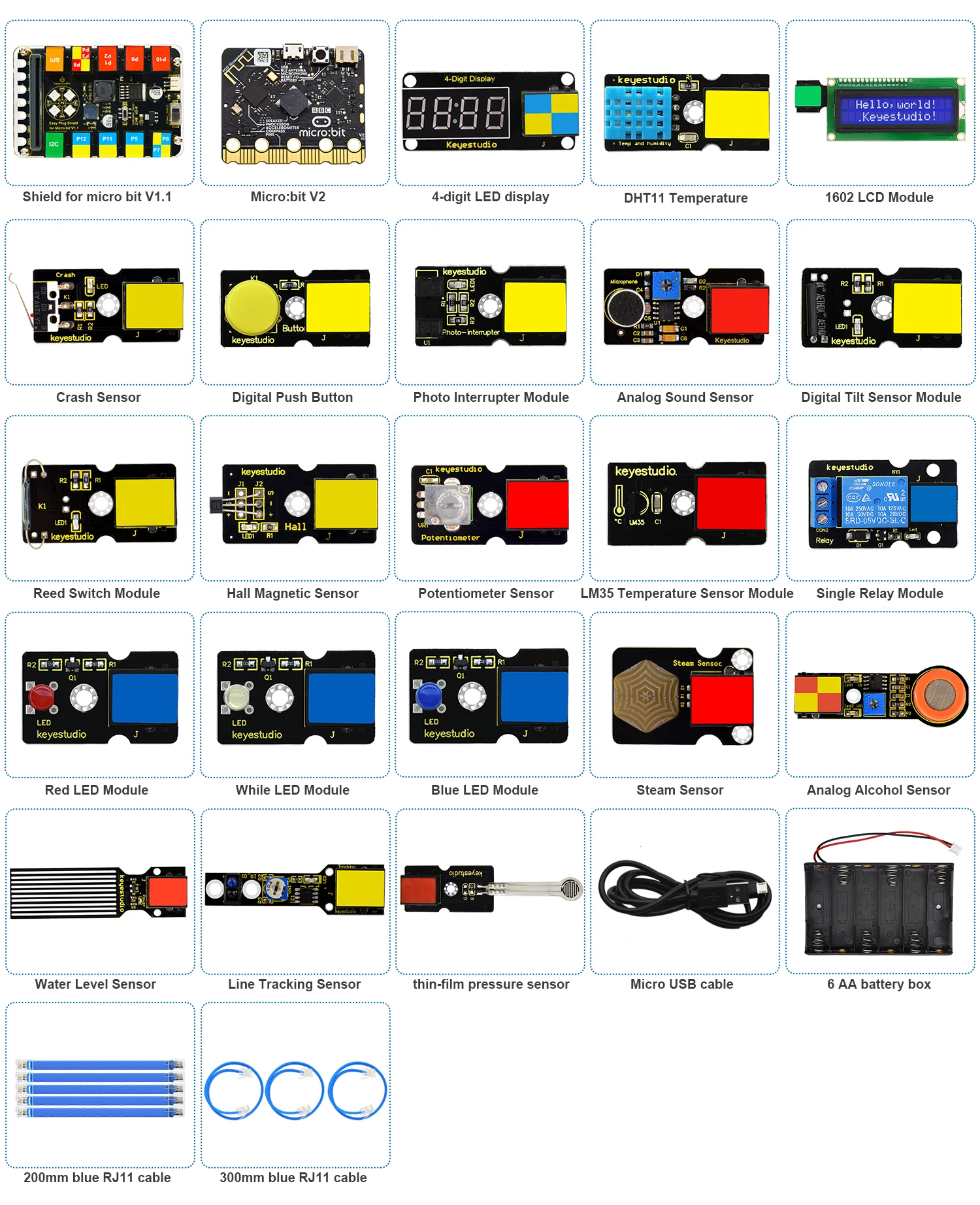
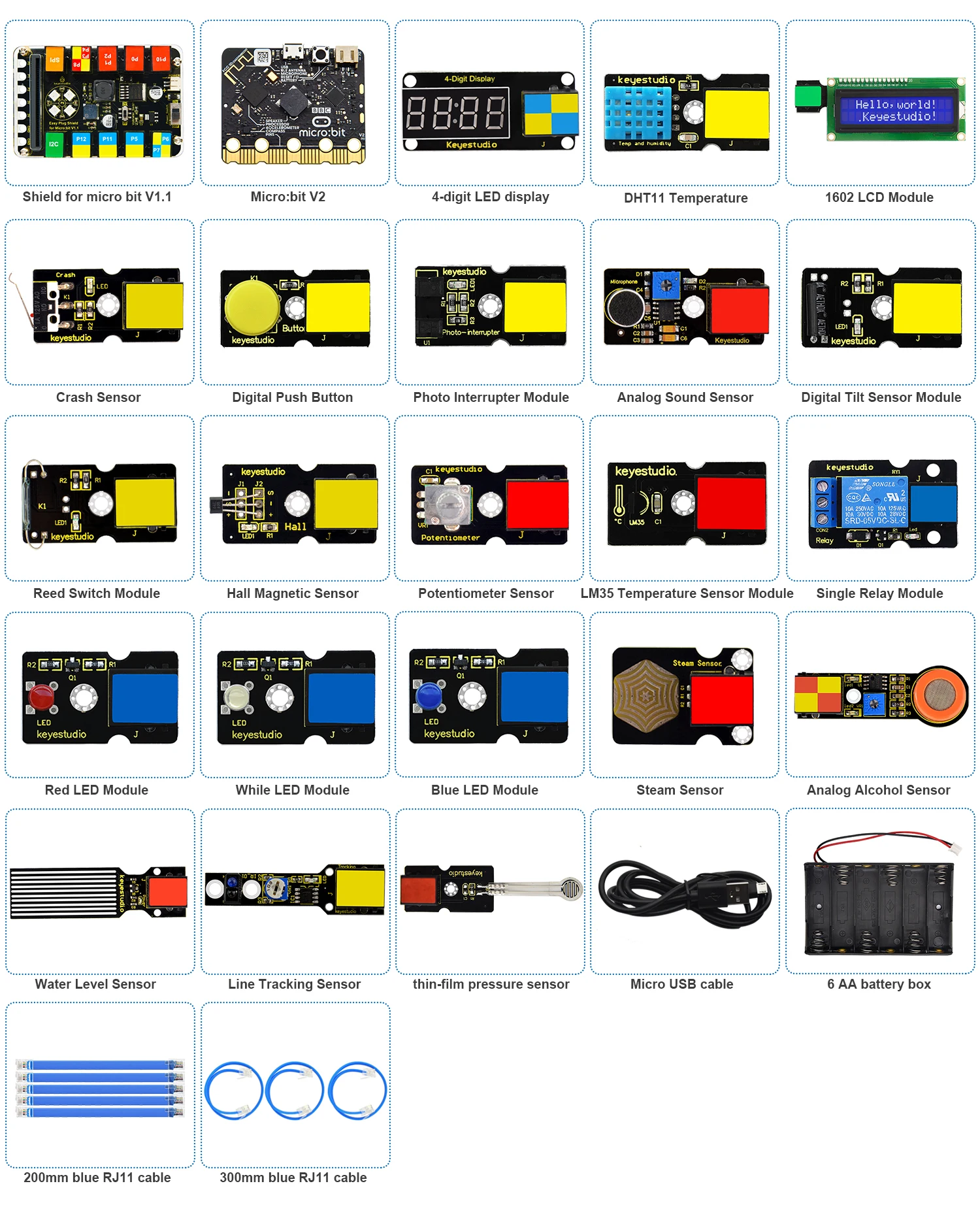
| Display modules | 1602 LCD module and 4-digit LED display |
| Input sensors | Sound, pressure, water level, potentiometer, alcohol, temperature, tilt, steam, hall magnetic, crash, button, reed switch, line tracking, and photo interrupter modules |
| Output modules | White LED, blue LED, red LED, RGB module, buzzer, relay, LCD, and LED display |
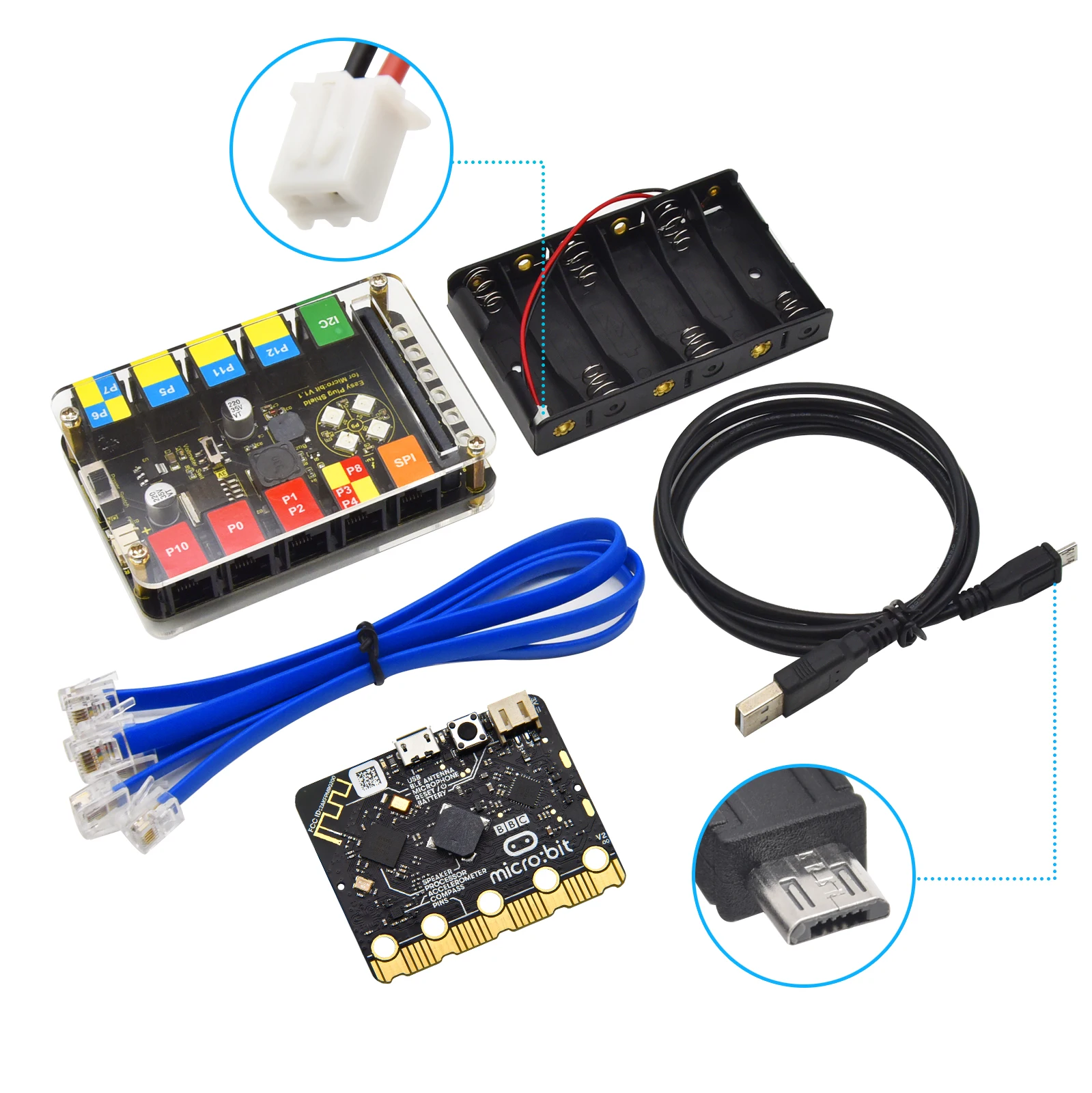
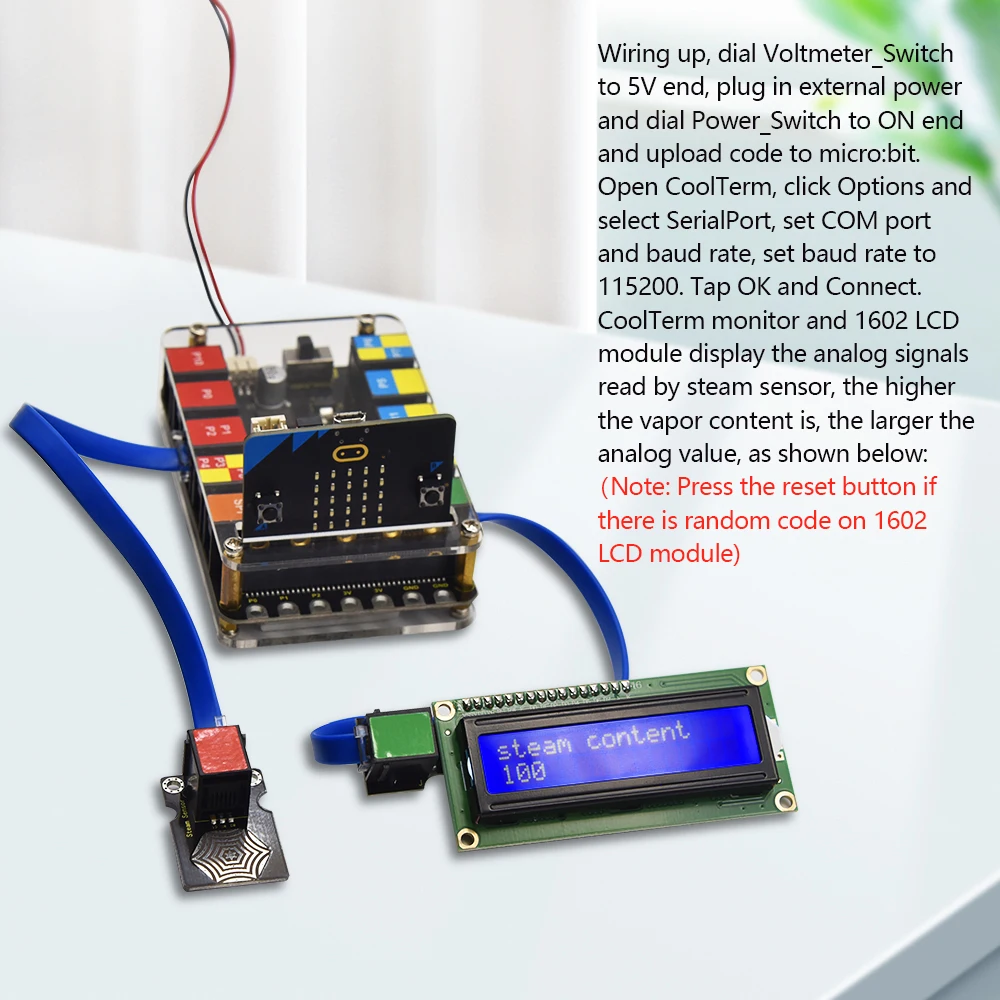
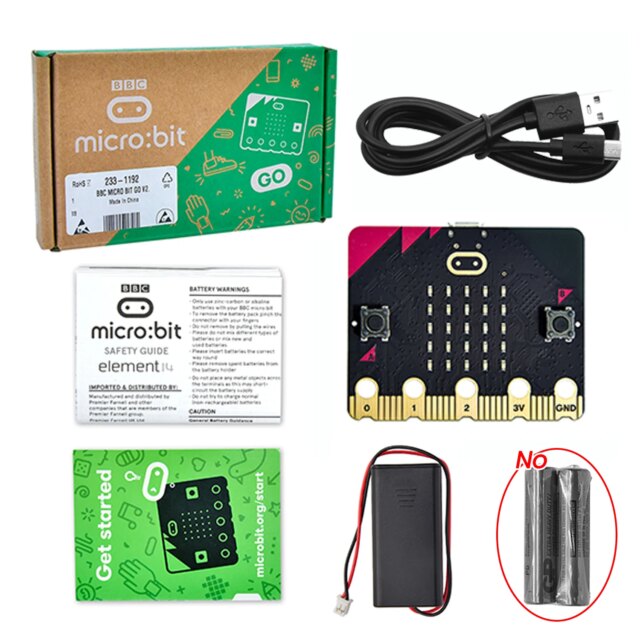
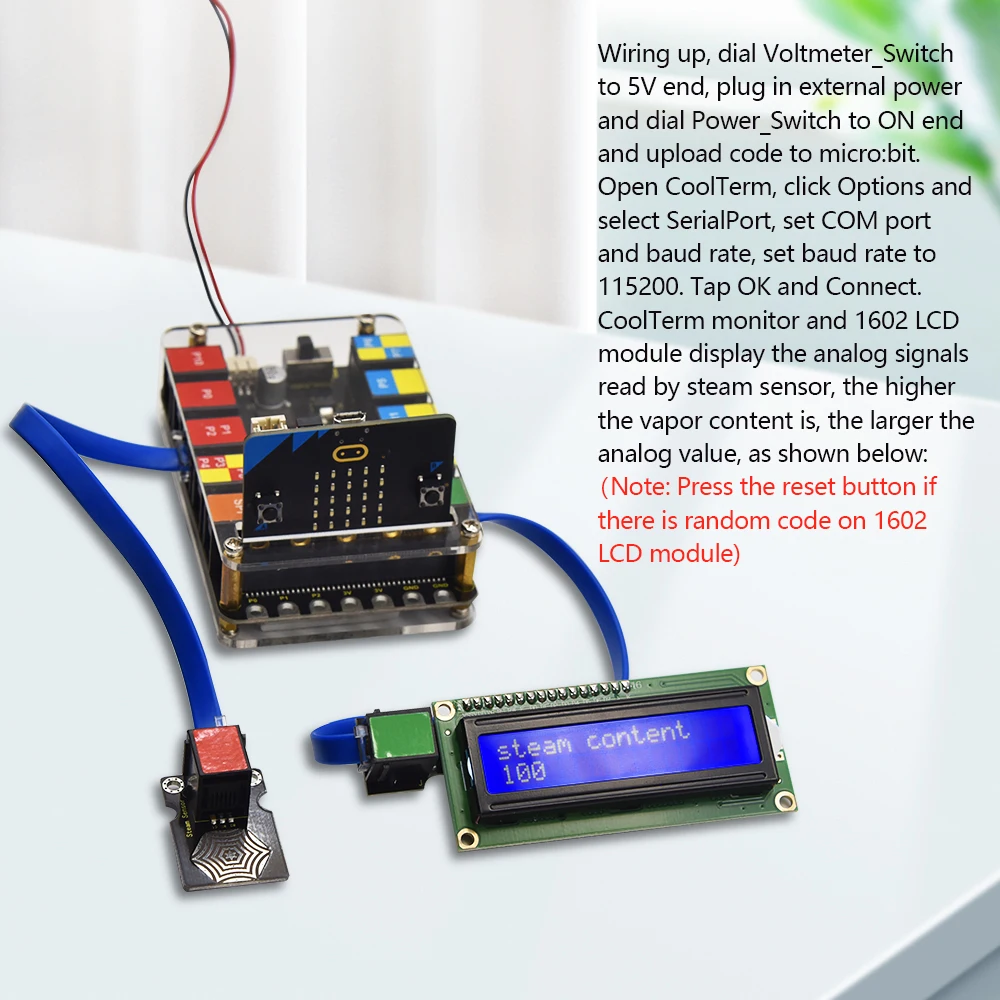
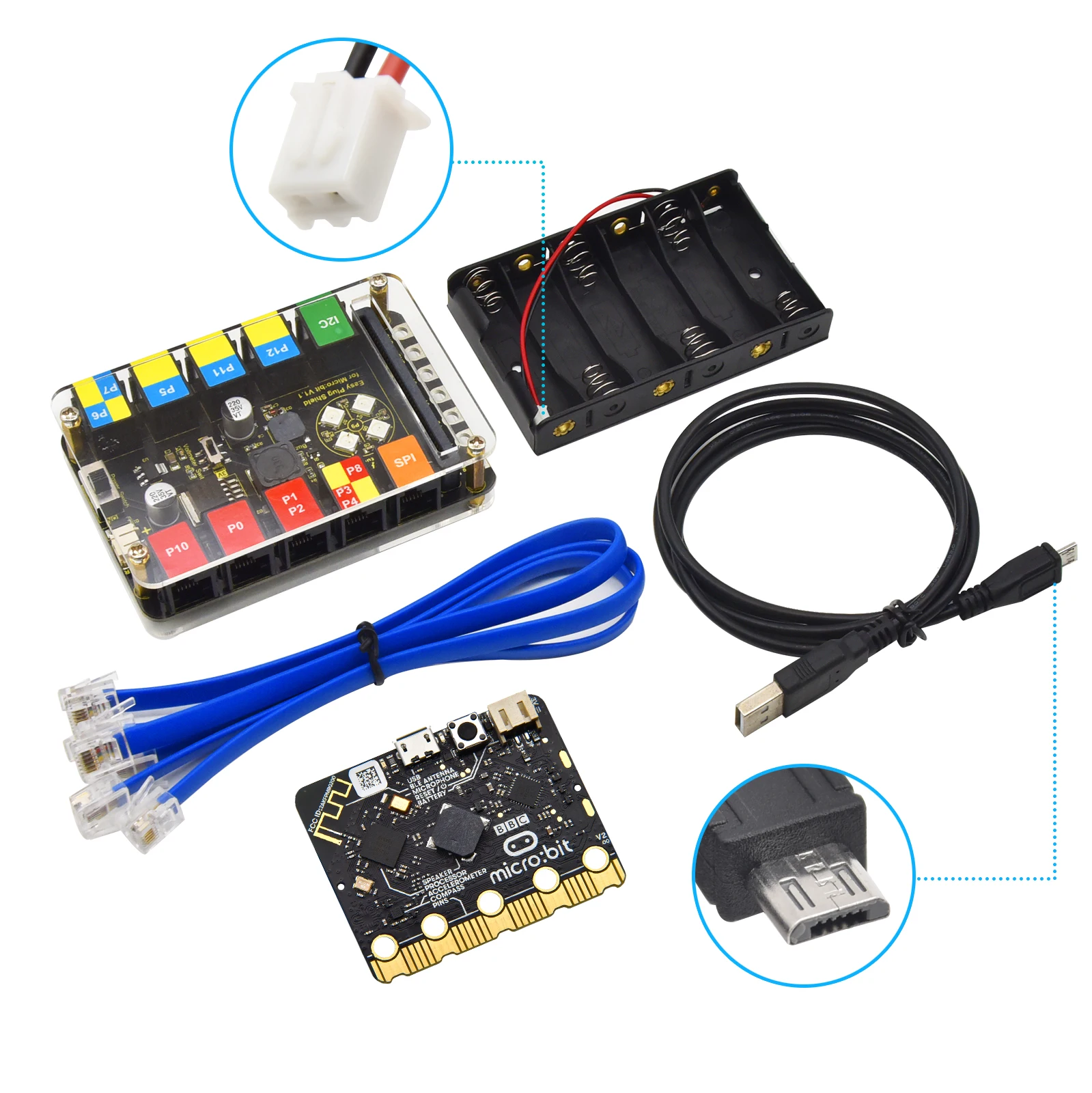
| Power support | Battery holder and USB cable shown in the kit documentation/screenshot |
| Learning level | Beginner to intermediate STEM, coding, and electronics education |
| Suggested users | Students, teachers, coding clubs, STEM labs, and homeschool learners |
Subjects Covered by This Product
Computer Programming: Students learn sequences, loops, variables, conditions, and event-based commands. Furthermore, MakeCode allows beginners to understand programming logic visually before moving toward text-based coding.
Electronics Fundamentals: Learners study input, output, voltage behavior, digital signals, analog readings, and circuit response. Therefore, the kit supports early electronics education without requiring advanced wiring skills.
Physics and Measurement: Activities can introduce temperature, humidity, pressure, sound, magnetism, motion, and water-level detection. Consequently, students connect scientific measurement with real sensor data.
Robotics and Automation Basics: Modules such as the relay, line tracking sensor, crash sensor, and potentiometer support automation concepts. In addition, learners can understand how control systems respond to environmental changes.
Environmental Science: Temperature, humidity, steam, water level, and sound sensors allow students to observe surrounding conditions. Similarly, these modules help teachers create practical lessons about environmental monitoring.
Mathematics and Data Thinking: Sensor values can be compared, displayed, and used in conditional rules. As a result, learners practice numerical reasoning, thresholds, patterns, and cause-and-effect relationships.
STEM Project Design: The kit encourages planning, testing, debugging, and improving projects. Moreover, students can move from simple LED tasks to multi-sensor experiments.
Exact Activities Performed by This Product
LED Control Activities: Learners program red, blue, white, and RGB LED modules to show status, warnings, or color patterns. Additionally, these activities teach output control and sequencing.
LCD Display Projects: Students display sensor readings, text messages, or project results on the 1602 LCD module. Therefore, lessons can include data reporting and user feedback.
Sound Detection Experiments: The sound sensor can detect noise levels and trigger programmed responses. For instance, students can create a sound-activated light or classroom noise monitor.
Temperature and Humidity Monitoring: DHT11 and LM35 modules support environmental data collection. Consequently, learners can compare readings and create simple science reports.
Water Level Detection: The water level sensor helps students detect liquid height changes. Moreover, this activity supports safety alarms, weather projects, and environmental experiments.
Button and Input Control: Push buttons, reed switches, potentiometers, and tilt sensors allow students to control programs manually. As a result, learners understand user input and interactive design.
Magnetic Field Testing: The hall magnetic sensor and reed switch can respond to magnetic objects. Likewise, teachers can connect this activity to physics and engineering lessons.
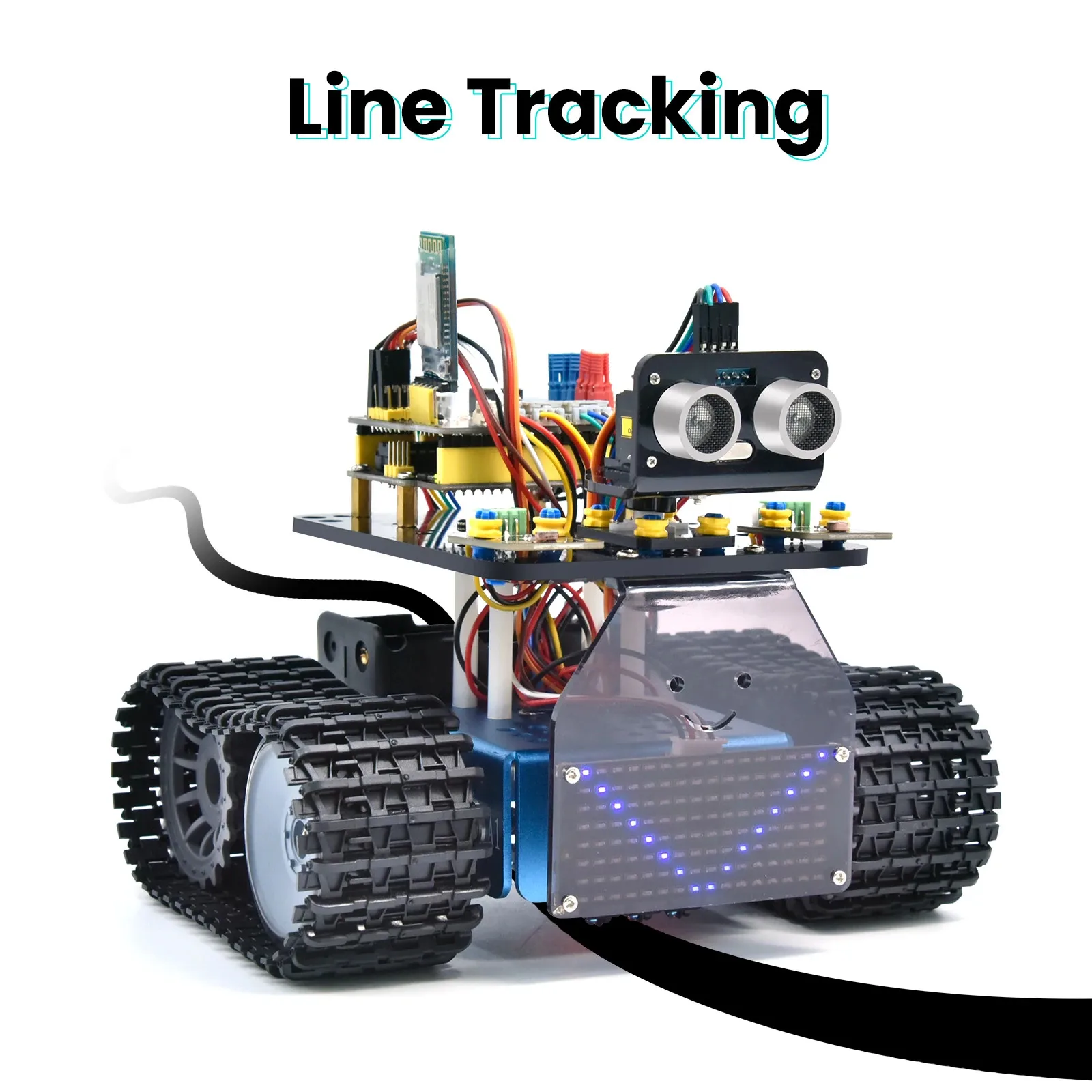
Motion and Collision Response: Crash, tilt, line tracking, and photo interrupter modules support movement-related experiments. In addition, these activities introduce robotics logic and object detection.
Relay Switching Projects: The relay module demonstrates how a small control signal can switch another circuit. However, teachers should supervise relay activities carefully to keep classroom use safe.
Digital Counter and Timer Tasks: The 4-digit LED display can show numbers, scores, countdowns, or sensor values. Therefore, students can build counters, timers, and simple measurement displays.
How It Is Useful for Students
Students gain practical experience because they can see code produce real-world effects. Moreover, plug-and-play connections reduce frustration and allow learners to focus on logic, testing, and creativity.
Hands-on projects also support different learning styles. For example, visual learners see display outputs, while kinesthetic learners build and test working systems.
Problem-solving improves as students debug programs, compare sensor readings, and adjust conditions. Consequently, the kit helps build confidence in coding, science, and engineering tasks.
How It Is Useful for Teachers
Teachers can use this kit to create structured STEM lessons with clear input-output examples. Additionally, the variety of modules supports differentiated instruction for beginners and more advanced learners.
Classroom preparation becomes easier because EASY PLUG connections reduce wiring complexity. Therefore, educators can spend more time teaching concepts and less time fixing connection errors.
Assessment is also more practical, since each project can show visible results through lights, sounds, displays, or sensor reactions. As a result, teachers can evaluate understanding through both code and physical performance.