
-
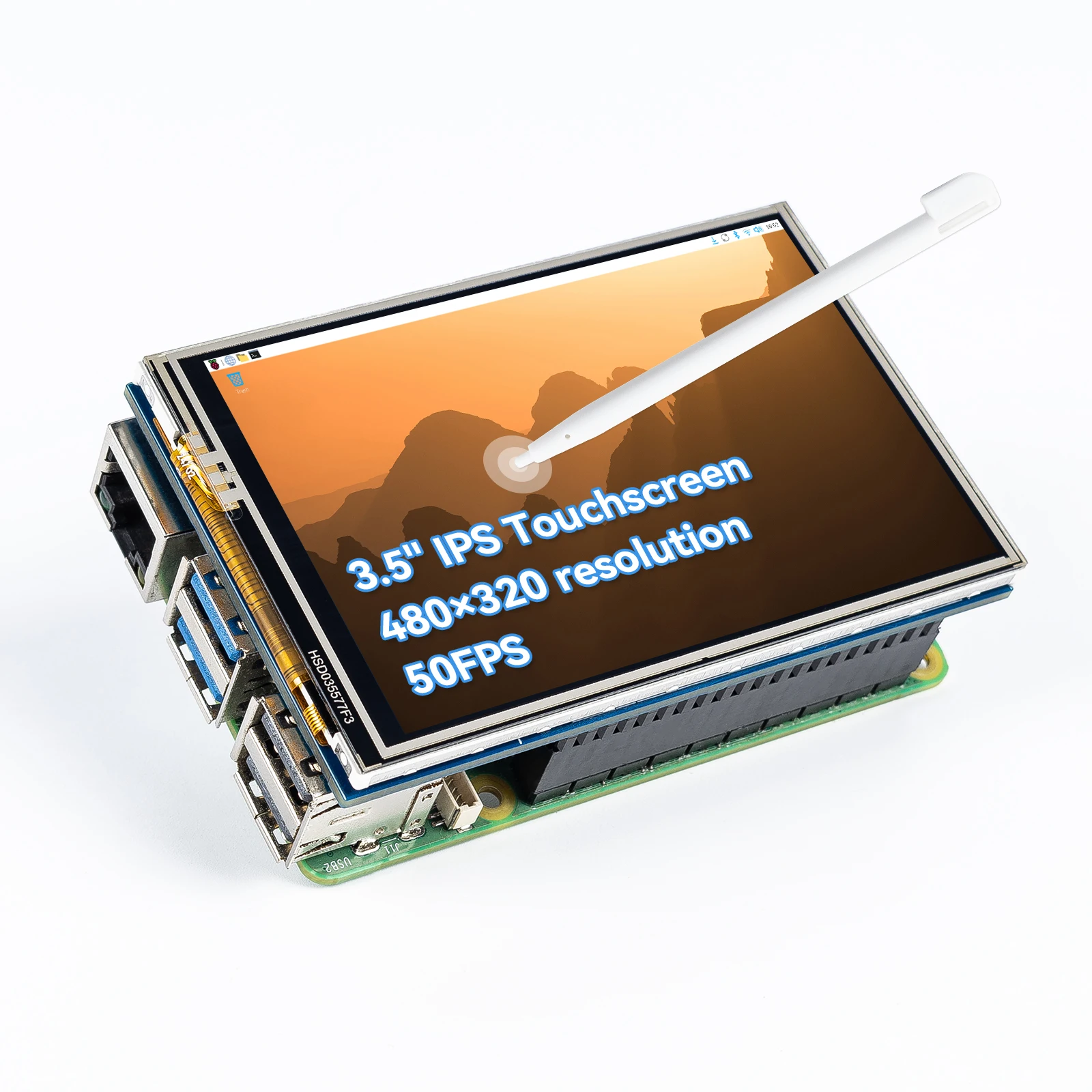
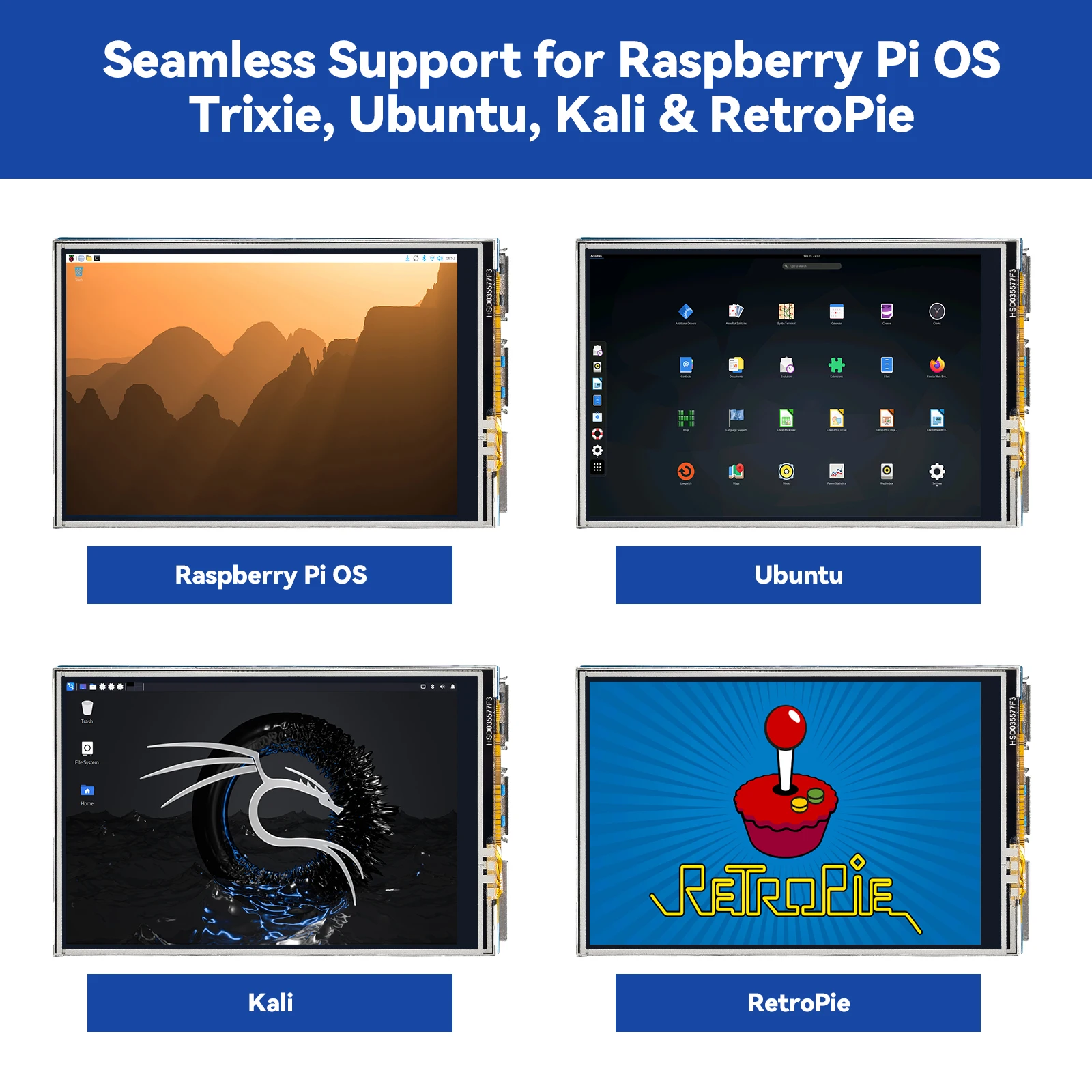
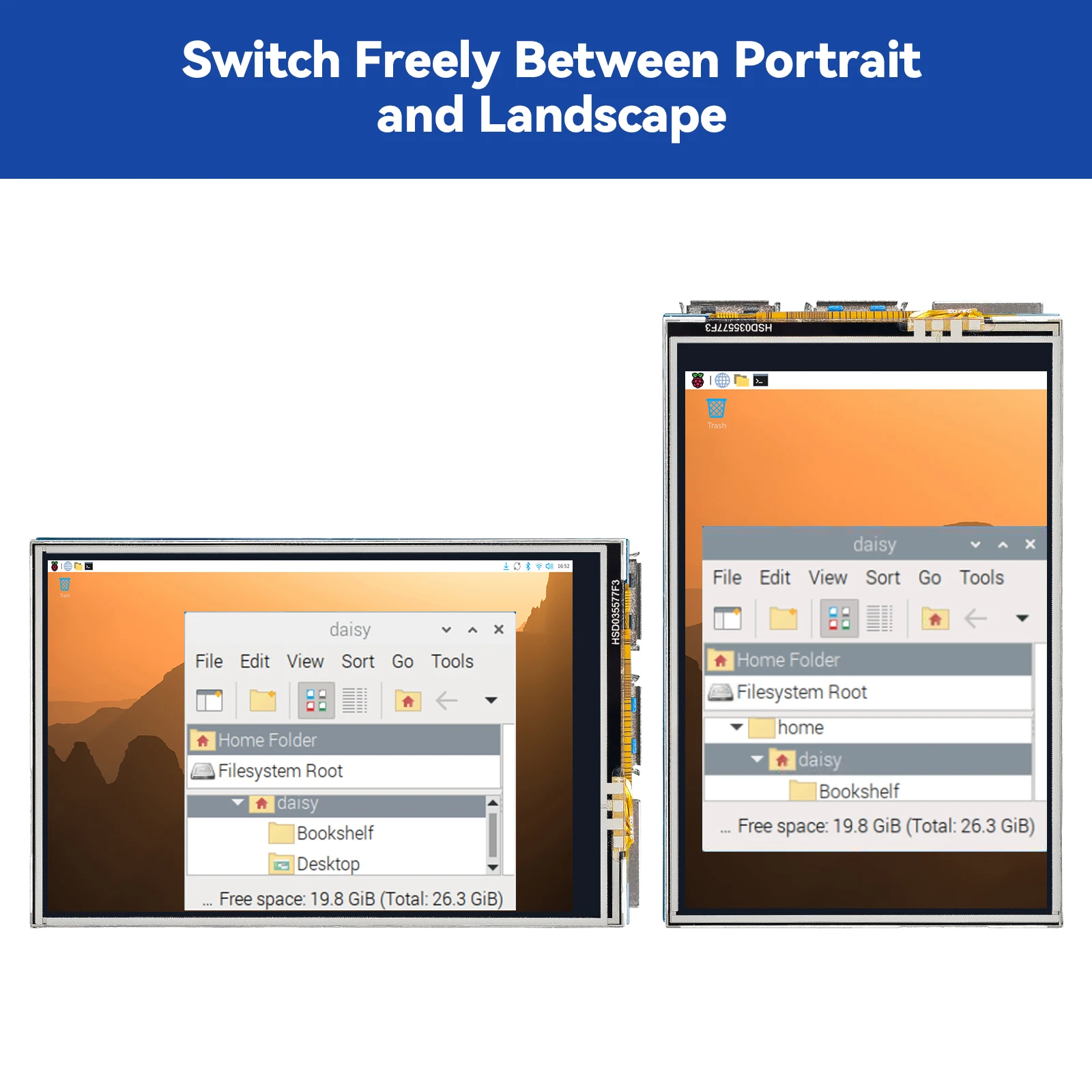
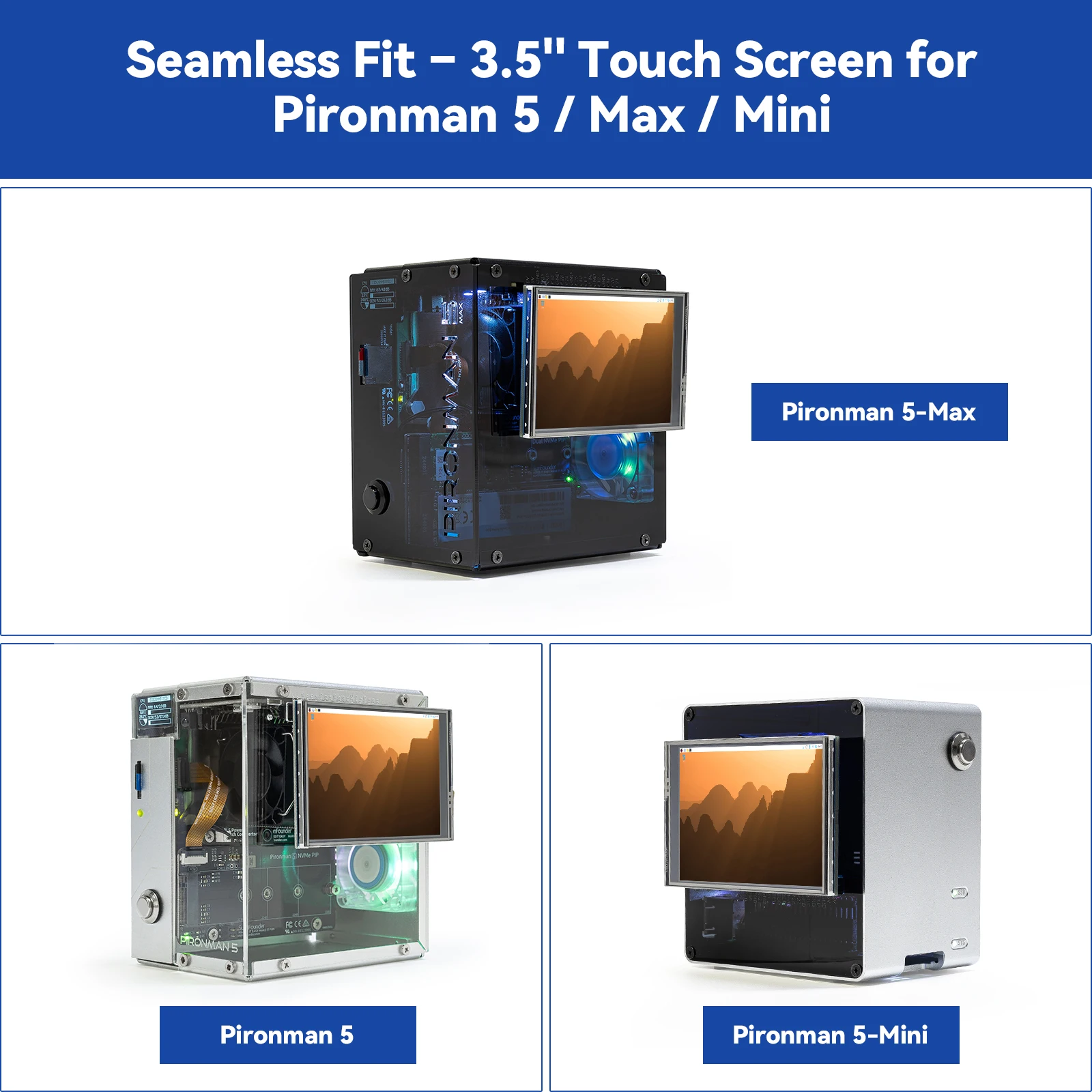
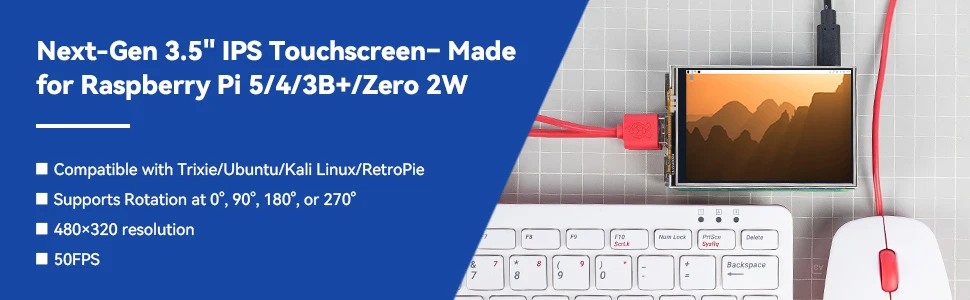
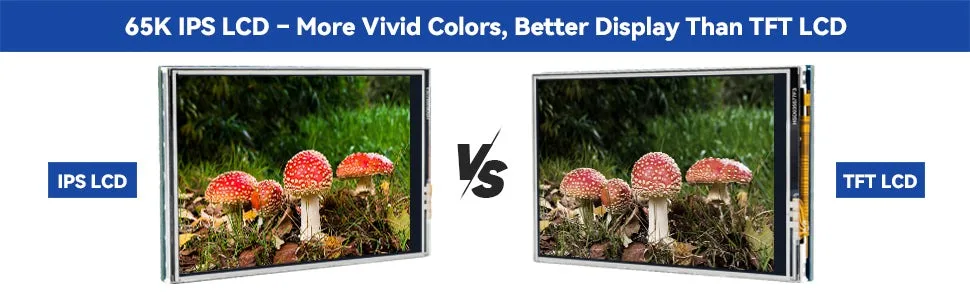
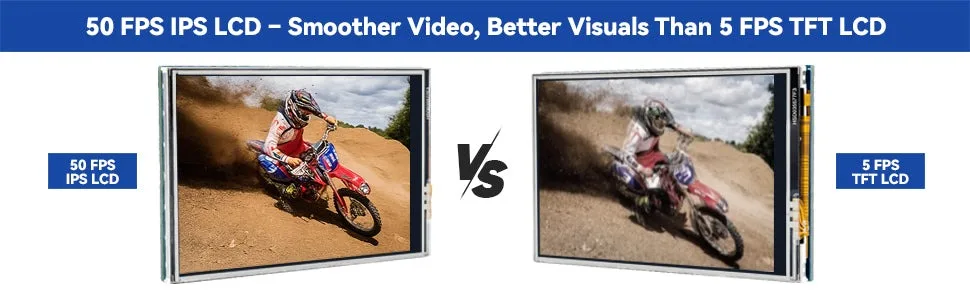
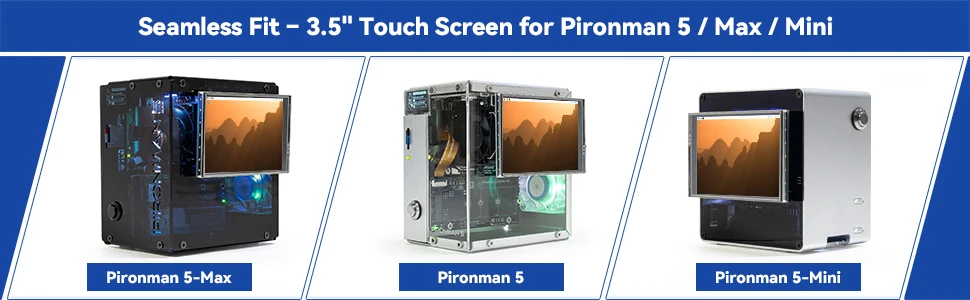
Designed for Raspberry Pi – Compact, Clear, and Easy to Use. This 3.5-inch IPS full-view touch screen is tailor-made for Raspberry Pi, delivering 480×320 resolution, 65K vibrant colors, and up to 50FPS smooth performance. With its 40-pin GPIO direct connection, it plugs straight into your Raspberry Pi without extra cables, making installation effortless. Fully compatible with Raspberry Pi 5, 4B, 3B, and Zero 2W, it supports multiple systems including Raspberry Pi OS Trixie, Ubuntu, Kali Linux, and RetroPie. The display and touch orientation can be freely rotated at 0°, 90°, 180°, or 270° to fit your project needs
-
Responsive Resistive Touch with Stylus. Equipped with a highly sensitive resistive touch screen and a matching stylus, this display ensures smooth and precise control. It requires no extra power supply, keeping your setup simple. Comes with a detailed manual, online tutorials, and software drivers, supporting the latest Raspberry Pi OS Trixie. Easy and quick to install, perfect for beginners and makers alike
-
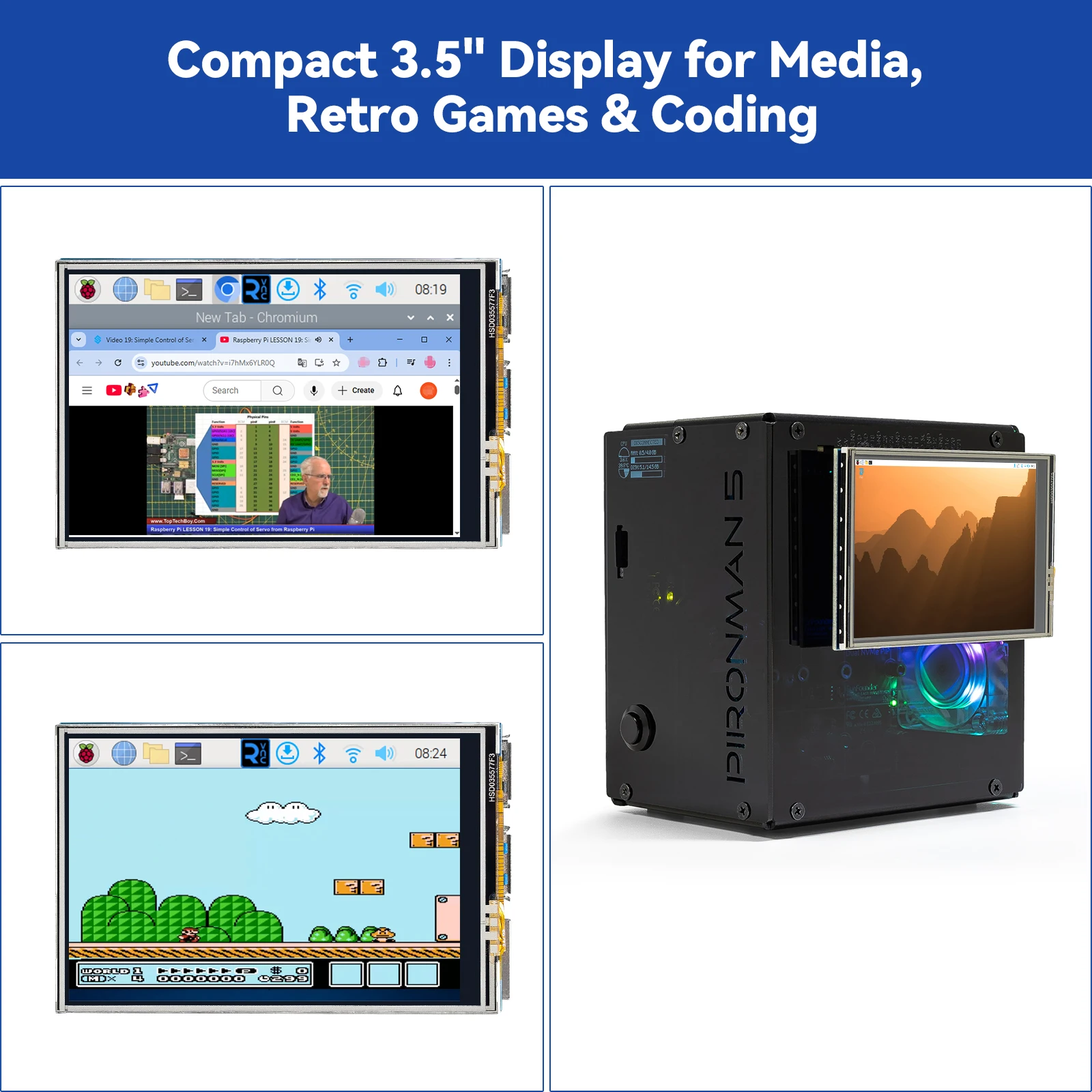
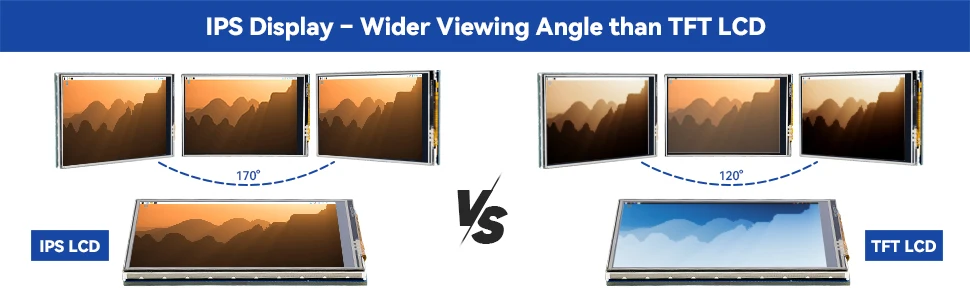
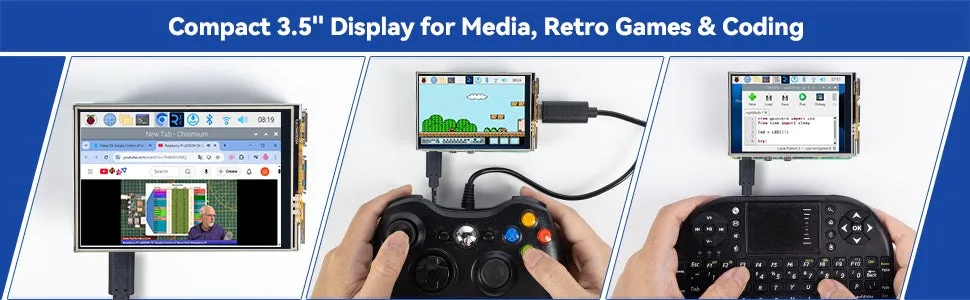
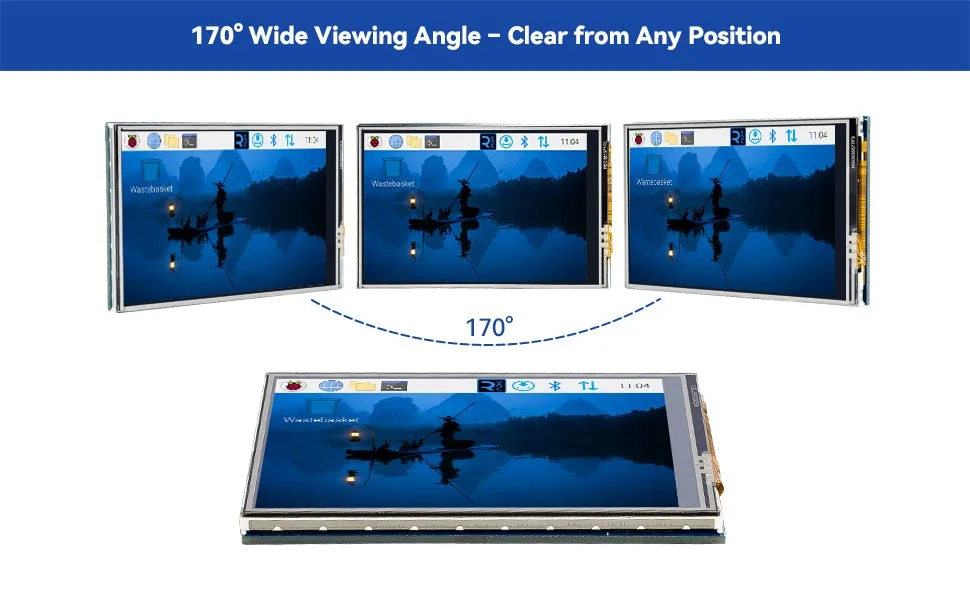
Wide OS Compatibility & Smooth Multimedia Experience. Supporting Raspberry Pi OS, Ubuntu, Kali Linux, and RetroPie, this IPS LCD delivers up to 50FPS performance, 65K vivid colors, and a wide 170° viewing angle for excellent video quality and fluid playback. The screen and touch orientation can be freely rotated at 0°, 90°, 180°, or 270°, making it adaptable to different setups. Ideal for gaming, multimedia, smart home dashboards, central control panels, and programming projects, it offers a versatile solution for beginners, engineers, and hobbyists alike
-
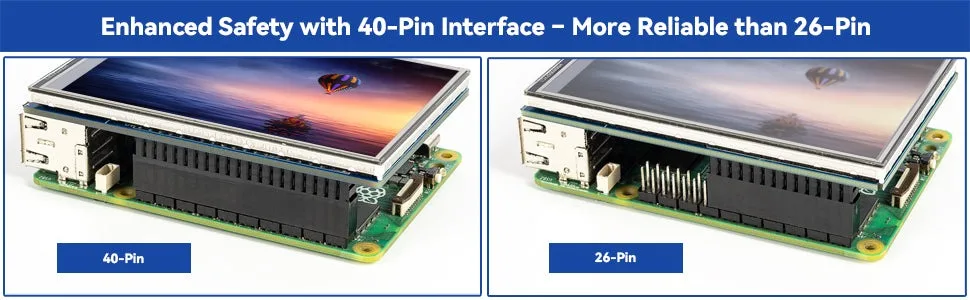
Safer & More Reliable 40-Pin Connection. Unlike many 3.5-inch touch screens that use a 26-pin header, this display adopts a full 40-pin GPIO interface, making installation more secure and preventing misalignment that could damage the screen. The connection is easy, stable, and reliable, ensuring a worry-free setup experience
-
Comprehensive Technical Support & Resources. Comes with a detailed user manual, online documentation, troubleshooting guides, and community forums, ensuring you have the help you need at every step. Whether you are a beginner or an experienced maker, reliable technical support makes your Raspberry Pi projects easier and more enjoyable
AQ:
1. Are there any tutorials and software installation guides available?
Yes, please refer to this curriculum link: 35-ips-screen.rtfd.io
2. Why does my 3.5-inch screen stay black or white after powering on?
Make sure the correct driver is installed.
For detailed instructions, please refer to the detailed Online Tutorials here: 35-ips-screen.rtfd.io
If you are using Raspberry Pi OS on Raspberry Pi 3B/3B+ or Zero 2W boards, you must install Bullseye instead of Bookworm to ensure compatibility.
Ensure the screen is firmly connected and properly aligned with the GPIO pins.
3. Can the 3.5″ IPS touchscreen and the HDMI monitor be used simultaneously?
The 3.5-inch touchscreen cannot be used simultaneously with an HDMI monitor.
After installing the driver for the 3.5″ IPS display, if both the 3.5″ IPS screen and an HDMI monitor are connected, the system will default to HDMI output.
To display on the 3.5” IPS touchscreen, disconnect (unplug) the HDMI monitor.
4. Can I use it without installing drivers?
No. This screen uses an SPI interface and requires a dedicated driver to work properly.
5. Can this screen work on Ubuntu, Kali or RetroPie?
Yes, but it requires installing specific drivers. RetroPie is supported on Raspberry Pi 4, 3, and Zero 2W, but not on Raspberry Pi 5.
6. Can it operate under extreme temperatures?
The operating temperature range is -20°C to 60°C. Do not exceed this range to avoid damage or shortened lifespan.
7. Why can’t I log in after installing the 3.5-inch display driver?
This issue may occur if the driver is installed on a system that has already been configured rather than on a fresh OS installation. After installing the driver, the system might boot into an unexpected login screen, and previous login credentials may no longer work — even though the same credentials still function via SSH.To prevent this, we recommend installing the driver on a freshly imaged system (factory defaults) before making any other configurations. Systems that have been modified or customized beforehand are more likely to experience this issue.We are aware of this bug and are currently investigating its root cause while working on improvements.
Important: Do not update the system kernel. The display depends on a kernel-level driver, and updating the kernel may cause driver conflicts that render the touchscreen non-functional.
8. Does the 3.5″ touchscreen support the Raspberry Pi Trixie system? If you are using a Raspberry Pi 4 or 5, please Go to Raspberry Pi Imager to install the latest Trixie system (released: 2025-10-1).
If you are using a Raspberry Pi 3B/3B+ or Zero 2W, you must install the Bullseye system.
Do not run sudo apt update or sudo apt upgrade after installation, as this may update the kernel and break the display driver.